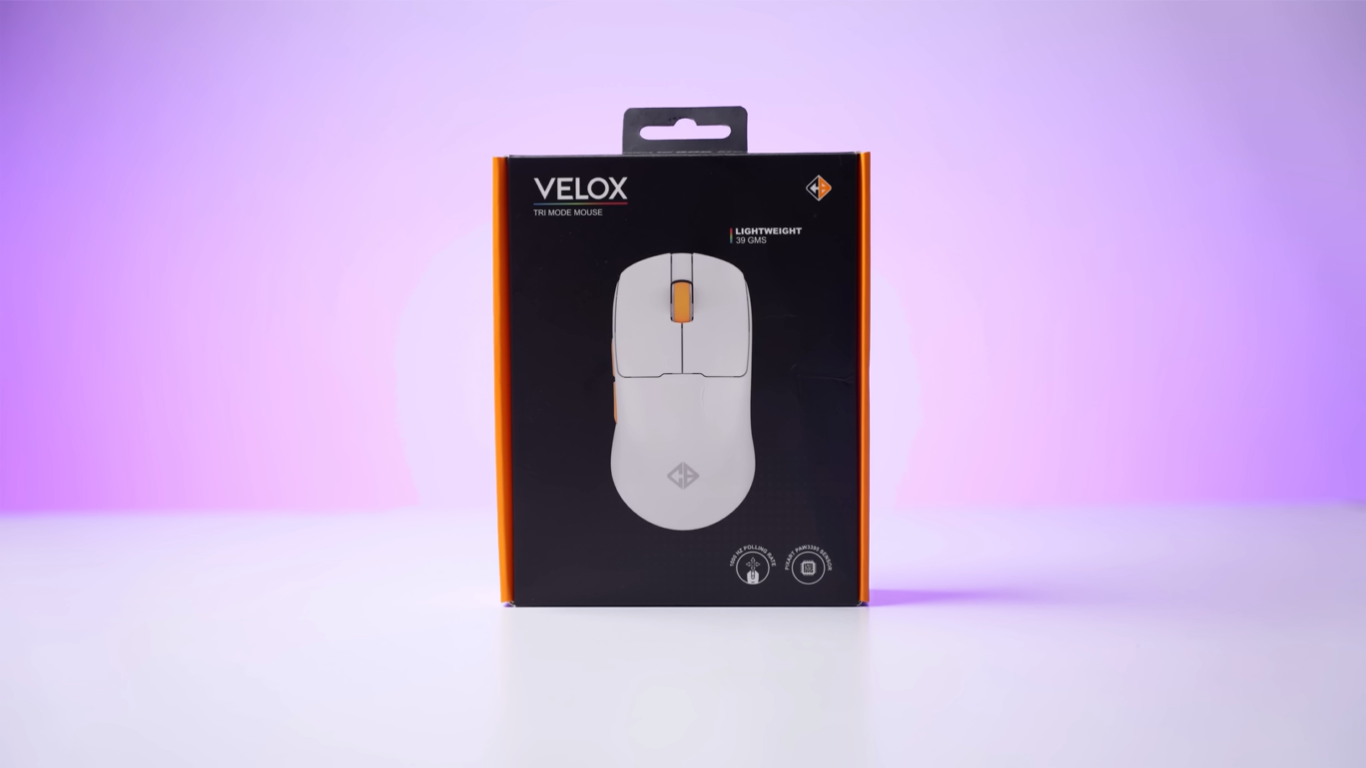
Looking for an ultra-lightweight gaming mouse under ₹3000? Read this in-depth Cosmic Byte Velox mouse review covering design, build quality, sensor performance, battery life, software, gaming experience, pros, cons, and comparisons with rivals like the Cryo Pegasus and Cosmic Byte Hypernova.
Table of Contents
1. Cosmic Byte Velox Mouse – Introduction
For a long time, the Indian gaming market did not see a good eSports-centric mouse under ₹3000. Yes, we had the Cosmic Byte Atlas, the Cryo Camera Mouse (Mango Edition), and the legendary Cosmic Byte Klanova series, but most of them are now out of stock or overpriced.
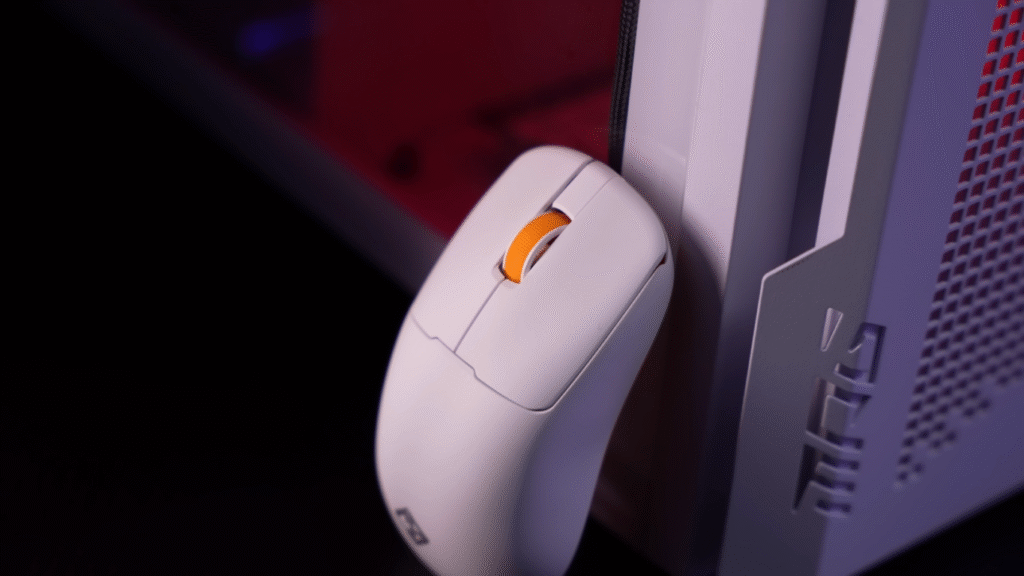
Finally, Cosmic Byte launched a new lightweight wireless mouse called the Velox — priced at ₹2699.
The moment I saw the spec sheet, two things stood out:
- It uses a premium PixArt sensor usually found in ₹4500–₹5000 mice.
- The claimed weight is only 39 grams.
This Cosmic Byte Velox mouse review will test all of those claims — weight, performance, build quality, sensor accuracy, battery life, and overall value.
Let’s begin.
2. Cosmic Byte Velox Mouse – Unboxing Experience
Inside the Velox packaging, you get:
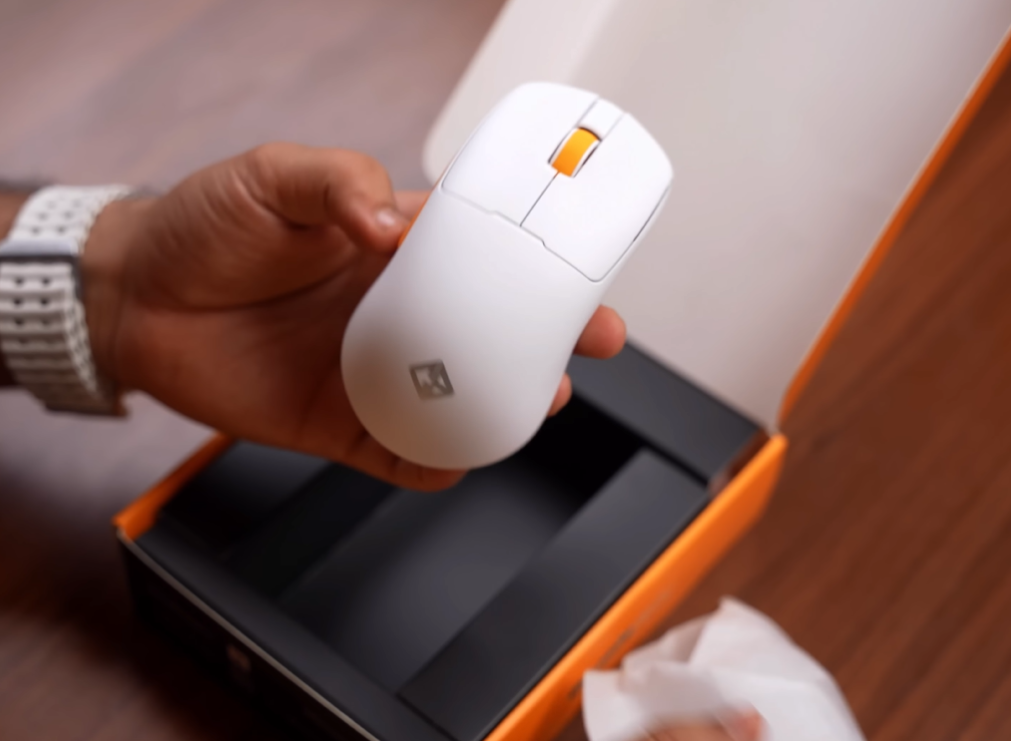
- Cosmic Byte Velox mouse
- Wireless receiver (dongle)
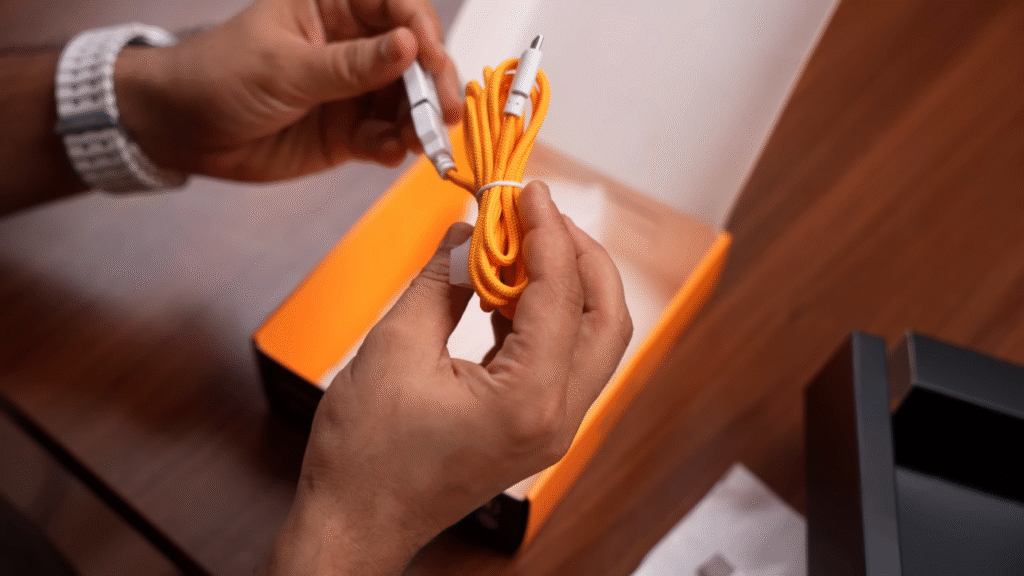
- USB Type-A to Type-C cable
- USB extender (Type-A to Type-C) for placing the dongle on your desk
- Documentation (our unit didn’t include a manual, but it’s available online)
First impressions:
The mouse feels extremely lightweight right out of the box. The white matte finish looks clean, and Cosmic Byte also offers a black variant if you prefer a darker aesthetic.
However, one disappointment — no extra PTFE skates. Older Cosmic Byte mice used to include them, but not this time.
3. Cosmic Byte Velox Mouse – Build & Design
Design-wise, the Cosmic Byte Velox keeps things minimal:
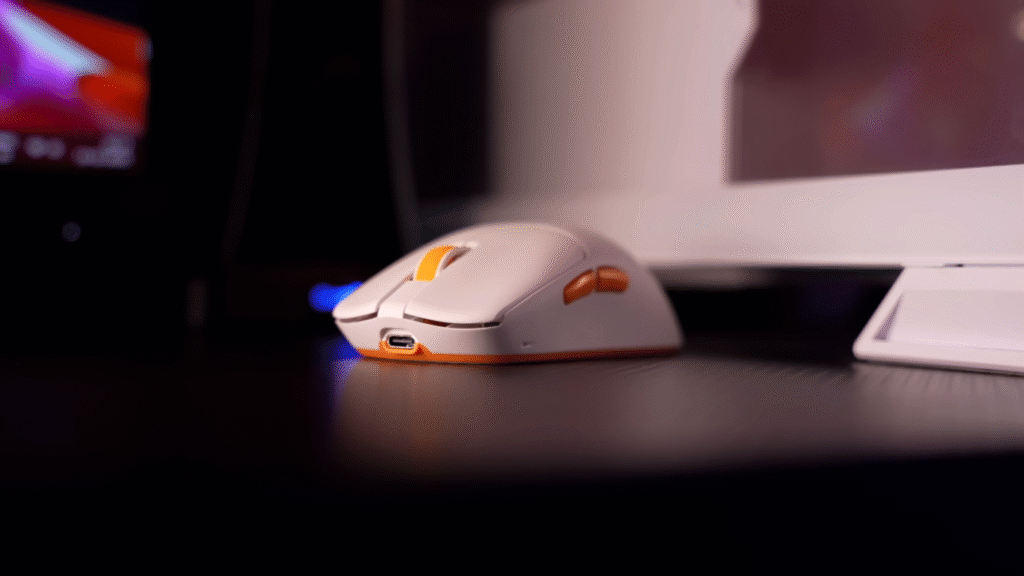
- Clean symmetrical shape
- Suitable for both palm grip & claw grip
- Works for both left-handed and right-handed users
- Matte finish that resists fingerprints
- Forward/backward side buttons on the left
- Standard scroll wheel + main clicks
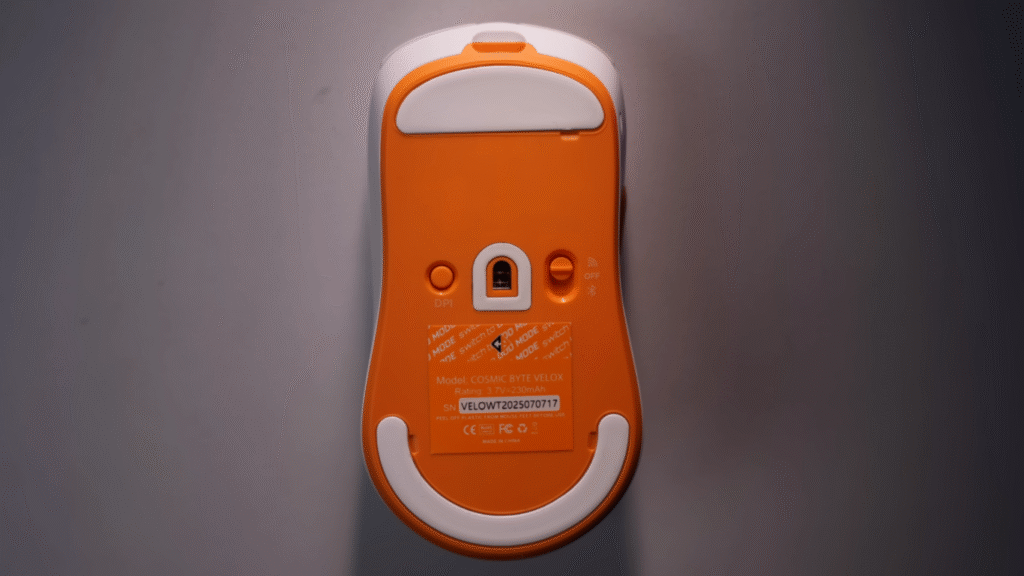
The PTFE skates on the bottom feel smooth and glide nicely on most mousepads.
One thing missing:
There is no dongle storage inside the mouse. Cosmic Byte added storage inside the cable instead, which means if you travel, you’ll need to carry the cable too.
4. Cosmic Byte Velox Mouse – Weight Test
Cosmic Byte claims the Velox weighs 39 grams.
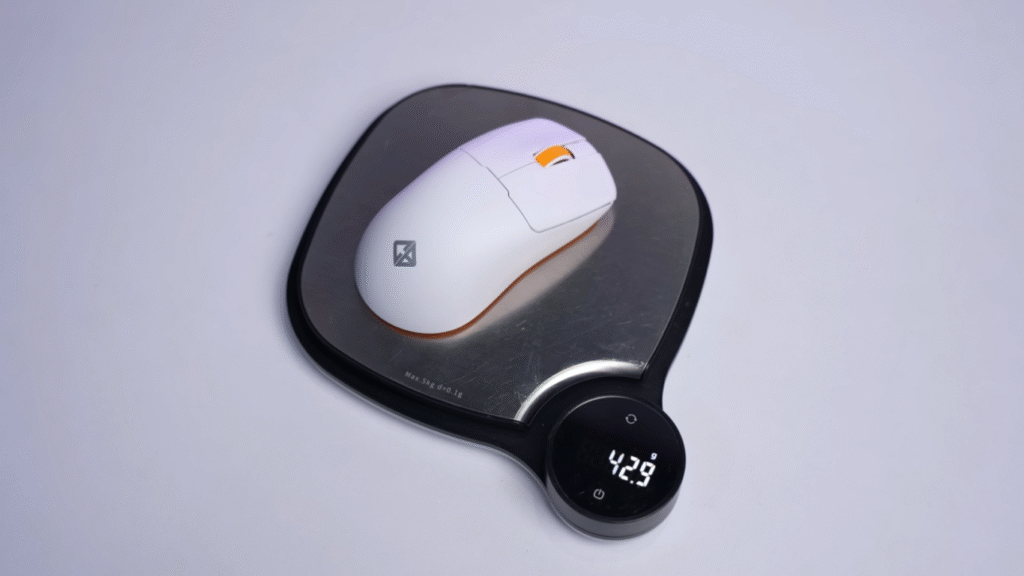
But after testing on:
- Our studio weighing machine
- A second weighing scale ordered from Amazon
- A third test at a local grocery shop
…the actual weight came out to 42 grams every time.
Not a huge difference, but still not the advertised 39 grams.
For a mouse under ₹3000, though, 42 grams is still incredibly lightweight and perfect for flick-heavy FPS games.
5. Cosmic Byte Velox Mouse – Sensor & Connectivity
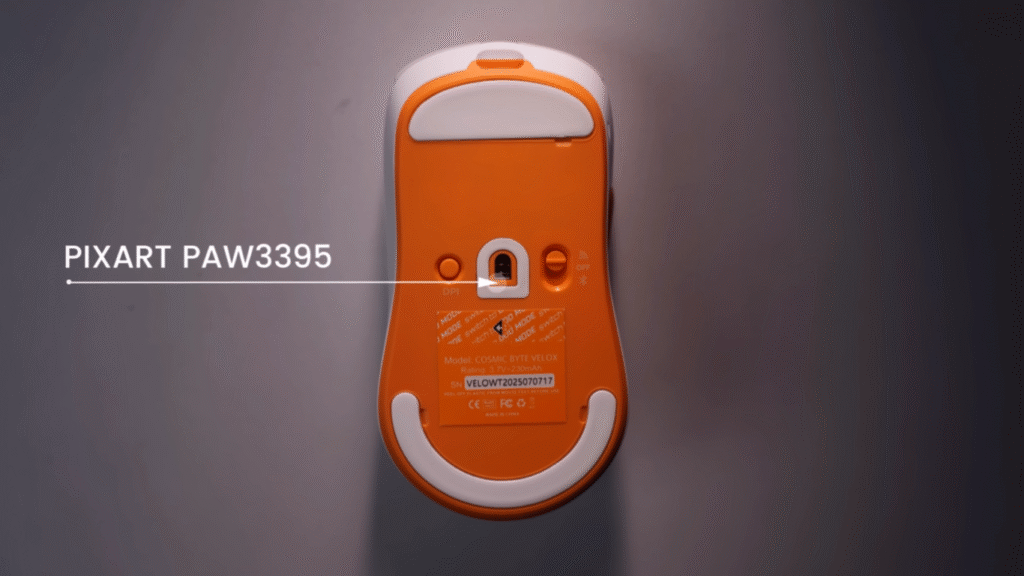
This is where the Velox destroys its competition.
It uses the PixArt PAW3950 sensor, the same one found in:
- Cosmic Byte Hypernova (~₹5000)
- Cryo Pegasus (~₹4500)
Getting this level of sensor performance at ₹2699 is insane.
Connectivity Modes (Tri-Mode)
- 2.4 GHz Dongle wireless
- Bluetooth 5.1
- Wired mode (USB Type-C)
Bluetooth only supports single device pairing, no multi-device switching.
6. Cosmic Byte Velox Mouse – DPI, Polling Rate & Tracking
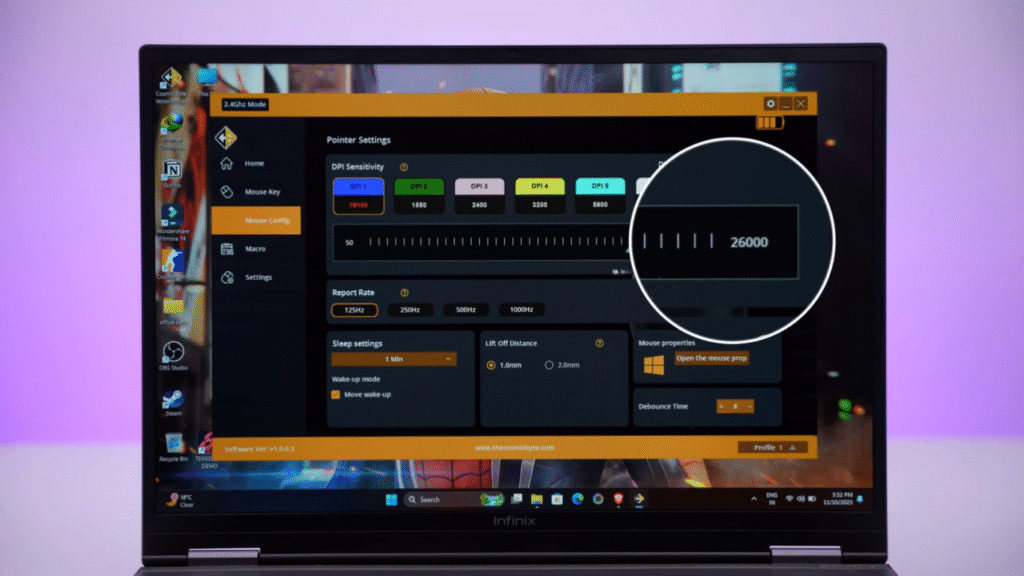
- DPI: Up to 26,000 DPI
- Polling Rate:
- 1000 Hz on Dongle + Wired
- ~125–135 Hz on Bluetooth
- Acceleration: 50G
- Tracking speed: 650 IPS
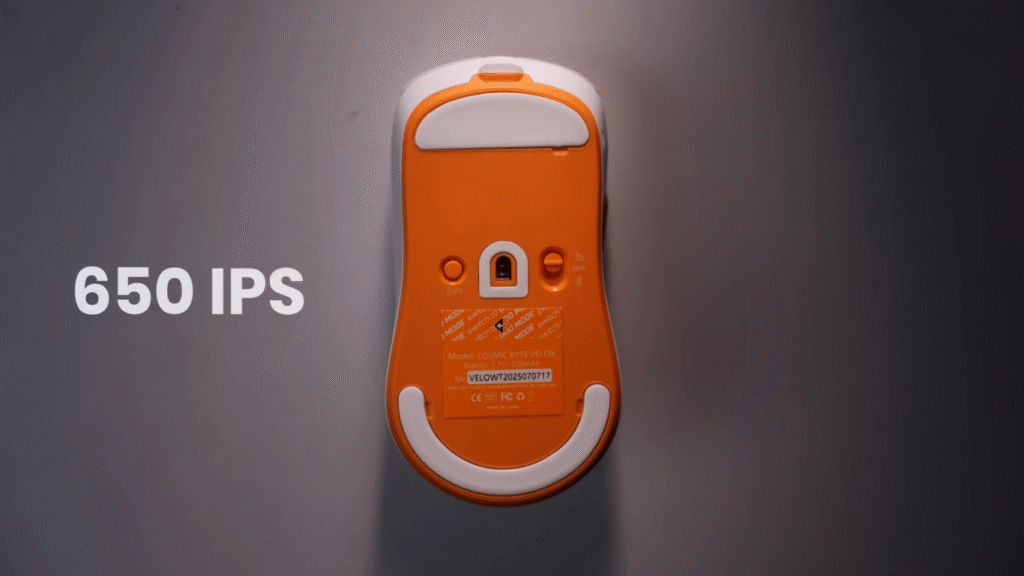
Most office mice offer around 100 IPS — that’s why they aren’t suitable for gaming.
650 IPS + 50G acceleration means the Velox can handle extremely fast flicks without losing tracking.
Even competitive Valorant or CS2 players won’t face issues.
7. Cosmic Byte Velox Mouse – Lift-Off Distance & Debounce Time Customization
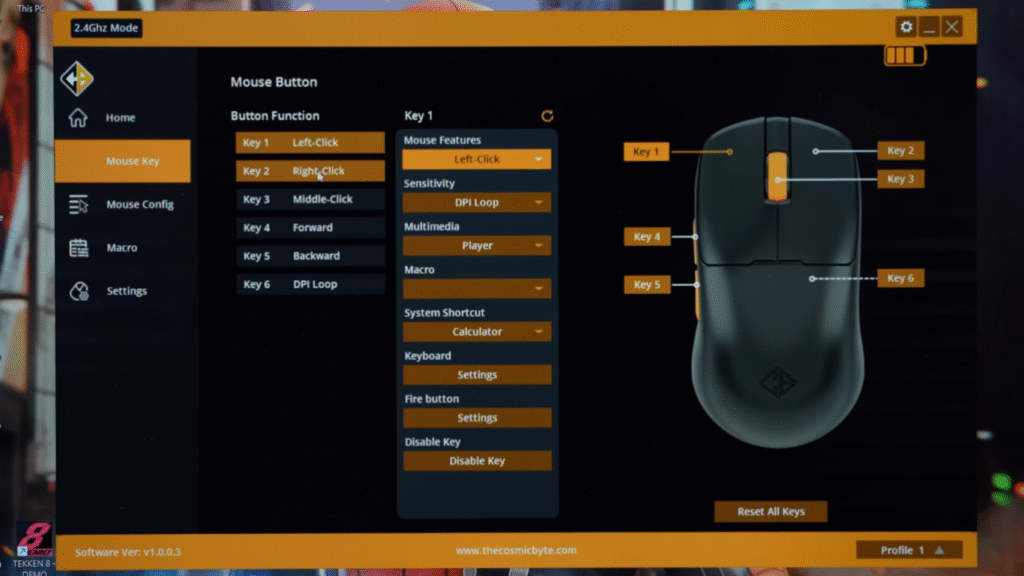
Through software, you can tweak:
Lift-Off Distance (LOD)
- 1 mm
- 2 mm
Lower LOD = better for fast FPS repositioning.
Debounce Time
Adjustable between 0–20 ms.
Lower debounce = faster click registration.
Higher debounce = prevents unwanted double-clicks.
8. Cosmic Byte Velox Mouse – Gaming Experience
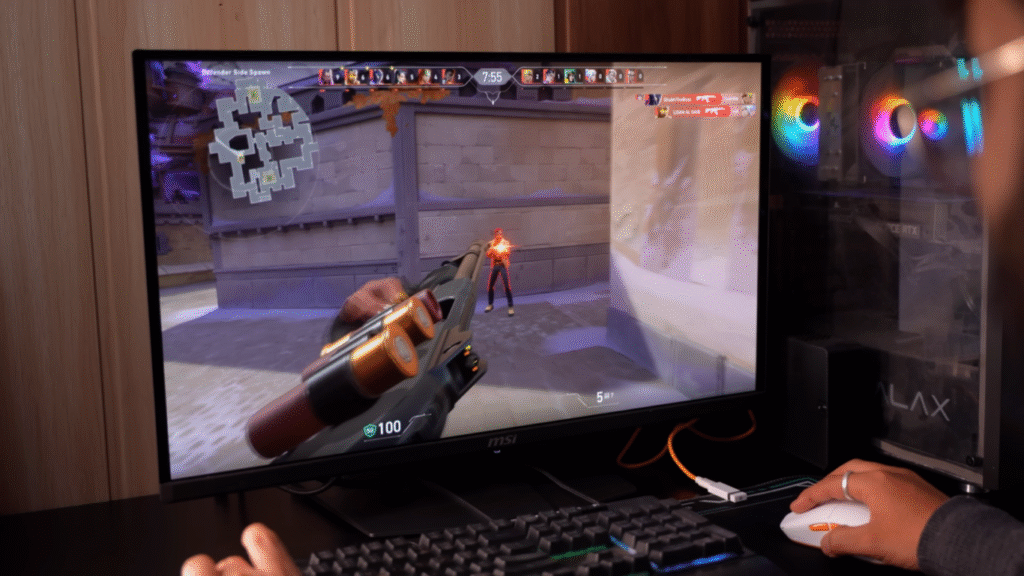
Our team tested the mouse in multiple scenarios:
⭐ FPS Games:
- Valorant
- CS2
Here’s what stood out:
✔️ Ultra-light feel reduces hand fatigue
✔️ Excellent flick shots due to 42g weight
✔️ Smooth PTFE feet
✔️ Accurate tracking
✔️ 1ms response time on dongle mode
✔️ Reliable in competitive scenarios
⭐ Casual Gaming (Story/Adventure)
No issues at all. The shape is comfortable for long sessions.
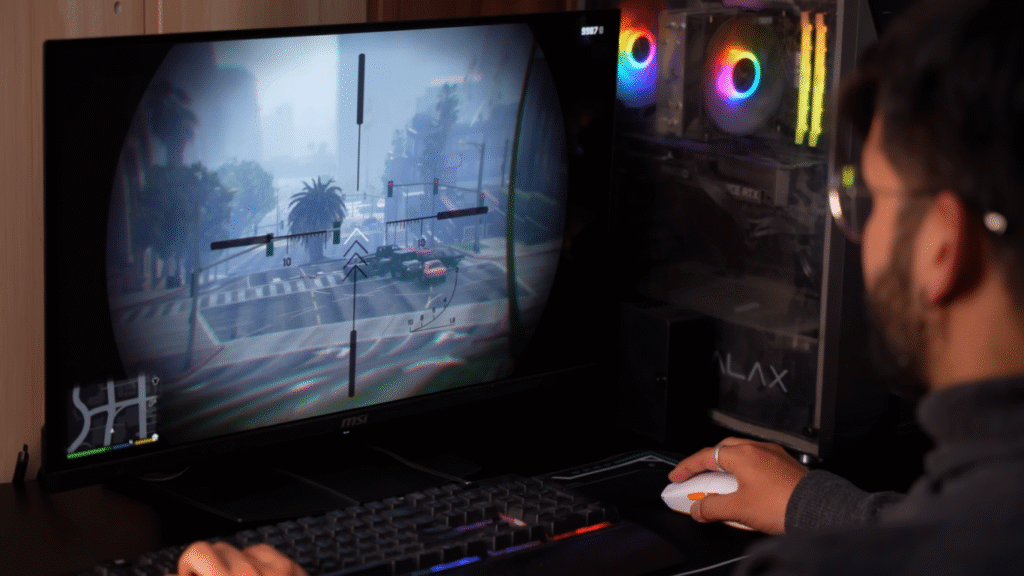
For shooter lovers, a lightweight mouse like this is a major advantage.
9. Cosmic Byte Velox Mouse – Software Features
Cosmic Byte’s software offers surprisingly deep customization:
- DPI stages
- Polling rate
- Sleep timer
- Lift-off distance
- Debounce time
- Macros
- Up to 4 custom profiles
- Battery level indicator
Everything a gamer needs is available.
10. Cosmic Byte Velox Mouse – Battery Life
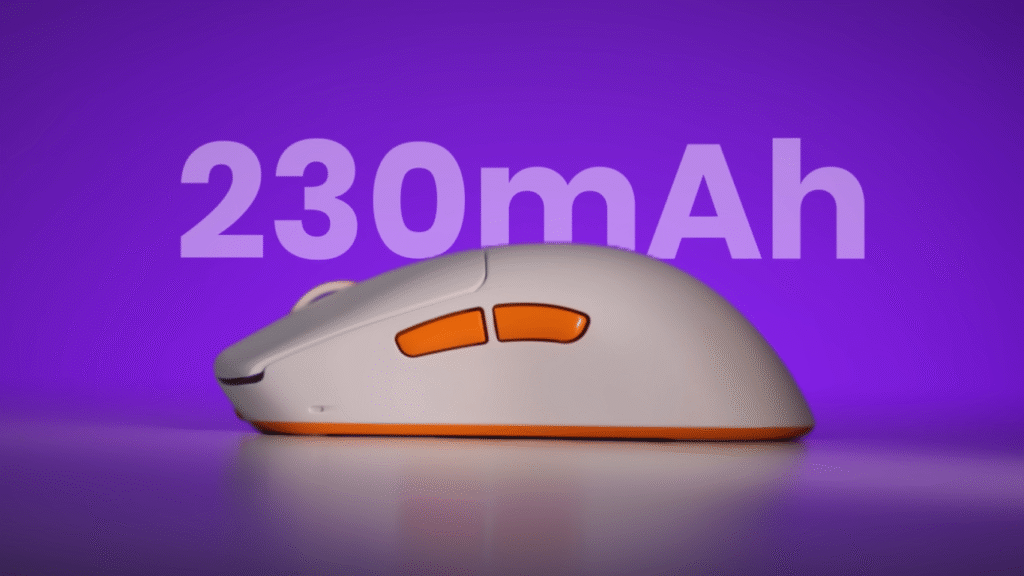
You get a 230 mAh battery — smaller than other gaming mice because the Velox focuses on maintaining a low weight.
Still, real-world battery life is:
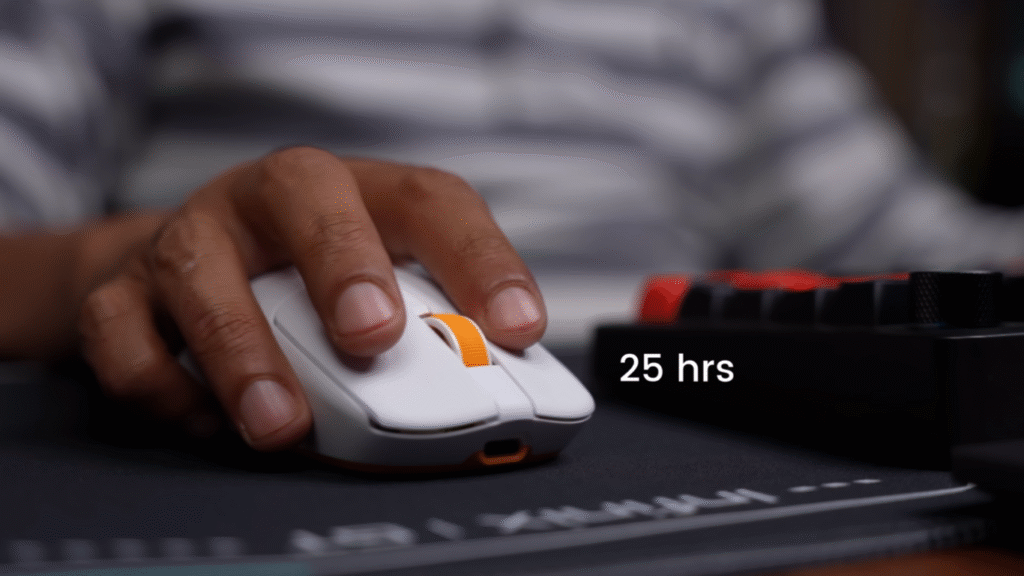
⭐ 20–25 hours (2.4 GHz dongle)
⭐ More on Bluetooth (lower polling rate)
If you stop using the mouse, it automatically enters sleep mode to save power (configurable in software).
11. Cosmic Byte Velox Mouse – Comparison
Cosmic Byte Velox vs Cryo Pegasus vs Hypernova
| Feature | Cosmic Byte Velox (₹2699) | Cryo Pegasus (₹3099) | Hypernova (₹5000) |
|---|---|---|---|
| Weight | 42g | 58g | ~70g |
| Sensor | PAW3950 | PAW3950 | PAW3950 |
| Battery | 230 mAh | 400 mAh | Higher |
| Modes | Tri-mode | Dual-mode | Tri-mode |
| Value | ⭐ Best under 3K | Good but heavier | Good but expensive |
Right now, no other mouse under ₹3000 offers this sensor + weight combination.
12. Cosmic Byte Velox Mouse – Pros & Cons
✔️ Pros
- Ultra-lightweight (42 grams)
- Best sensor in this price range
- Tri-mode connectivity
- Good PTFE skates
- Excellent eSports performance
- Deep software customization
- Affordable pricing
❌ Cons
- No internal dongle storage
- No extra PTFE feet in the box
- Battery capacity could be larger
- Actual weight is 42g (not 39g)
13. Who Should Buy the Cosmic Byte Velox?
Buy it if:
- You play FPS games like Valorant, CS2, Apex
- You want an eSports-ready sensor under ₹3000
- You prefer lightweight mice
- You need both Bluetooth + Wireless
- You want deep customization options
14. Cosmic Byte Velox Mouse – Conclusion
After testing everything in this Cosmic Byte Velox mouse review, here’s the final verdict:
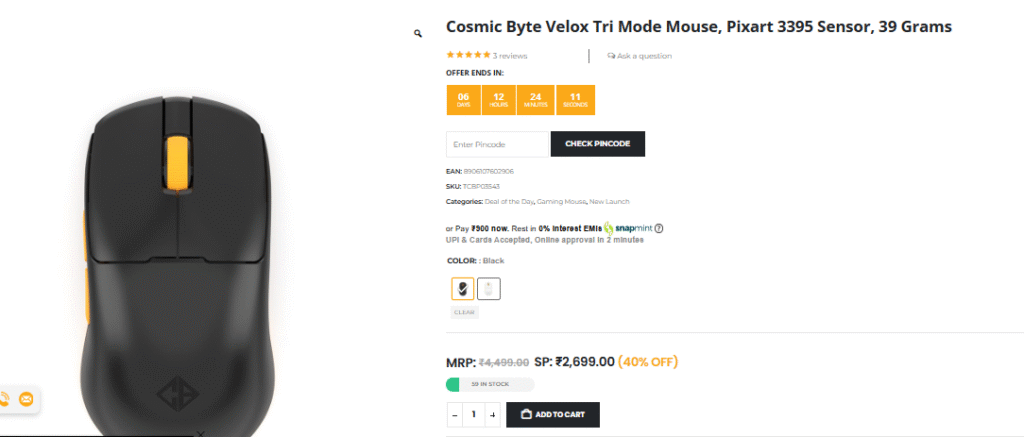
👉 For ₹2699, this is the best ultra-light gaming mouse currently available in India.
👉 You get the same PAW3950 sensor used in ₹4500–₹5000 mice.
👉 Lightweight, fast, accurate, and great for competitive fps gaming.
Unless you specifically need a heavier mouse or a larger battery, the Cosmic Byte Velox is easily recommended.
15. Frequently Asked Questions (FAQ)
1. Is the Cosmic Byte Velox good for FPS games?
Yes. With 42g weight, PAW3950 sensor, and 1000 Hz polling rate, it is excellent for competitive FPS gaming.
2. What is the real weight of the Velox?
Despite the 39g claim, real-world tests showed 42 grams.
3. Does Velox support Bluetooth multi-device pairing?
No. Bluetooth connects to only one device at a time.
4. How long does the battery last?
Around 20–25 hours on dongle mode, more on Bluetooth.
5. Is this better than Cryo Pegasus?
If weight matters to you, yes.
Sensor performance is identical.
16. External Useful Links
- Official Cosmic Byte Website: https://www.cosmicbbyte.com
- PixArt Sensor Details: https://www.pixart.com
- DPI Guide for Gamers: https://www.prosettings.net/mouse-dpi/
- Lift-Off Distance Explained: https://www.rocketjumpninja.com/mouse-guide
Recent Posts
- Lava Agni 4 Review: The Most Detailed Breakdown of Lava’s Boldest Smartphone Yet (2025)
- Realme GT 8 Pro Review: The Most Interesting Realme Phone in Years
- Best 5G Smartphones Under ₹15,000 in India 2025: Complete Guide for Every User
- Xiaomi Pad 8 Review: The Most Powerful Budget Tablet of the Xiaomi Pad 8 Series?
- OnePlus 15 Review – Unboxing, Design, Camera, Gaming & Full Performance Breakdown
[…] Cosmic Byte Velox Mouse Review: The Lightest Budget eSports Mouse Under ₹3000? […]
[…] Cosmic Byte Velox Mouse Review: The Lightest Budget eSports Mouse Under ₹3000? […]
[…] Cosmic Byte Velox Mouse Review: The Lightest Budget eSports Mouse Under ₹3000? […]