
Discover the most powerful AI tools of 2025 that are completely free to use. From video editing to writing, design, and study support — explore this AI tools list to boost your creativity, save time, and enhance your workflow.
Table of Contents
1. Introduction: The Rise of AI Tools

In recent years, AI tools have moved from experimental research projects to everyday productivity essentials. Whether you are a creator, student, developer, or business professional, artificial intelligence has simplified tasks that once took hours into minutes.
With the rapid advancement of natural language processing (NLP), computer vision, and generative models, AI has become a trusted partner in creativity, writing, and automation.
In this article, we present the ultimate AI tools list for 2025 — featuring 21 AI tools free to use, across categories such as video editing, writing, design, research, and more. Each tool has been selected for its reliability, performance, and accessibility.
2. The Benefits of Using AI Tools
AI tools represent a more intelligent way of working, not just automation.
Professionals and artists are adopting them for the following main reasons:

- Efficiency: Automate monotonous processes such as creating presentations, editing videos, and summarizing text.
- Creativity Boost: AI tools can quickly generate concepts, write music, or create images.
- Accessibility: Advanced features for individuals and startups are available in many premium AI tools’ free versions.
- Accuracy: Machine learning-powered tools offer accurate language correction and data analysis.
- Scalability: By integrating AI, businesses can quickly grow their marketing, development, and content initiatives.
3. How AI Tools Are Changing Work and Creativity
The impact of AI on the modern workspace is undeniable.
Writers use AI to produce blog drafts, designers use it to generate brand assets, and developers leverage it to automate coding tasks.

AI-driven platforms are also reshaping how teams collaborate — offering smart suggestions, improving workflows, and helping professionals make data-backed decisions.
With that in mind, let’s explore the best free AI tools of 2025, categorized by their primary purpose.
4. The Complete List of the Best Free AI Tools for 2025
A thorough list of AI tools broken down into six categories can be found below. Key features, benefits, and direct website links are provided for easy access to each tool.
A. AI Tools for Video Editing and Content Creation
1. Descript
Website: https://www.descript.com/

Descript is among the most potent AI tools for editing audio and video. Users can edit videos just as easily as they can edit text. You can clone your voice for narrations, remove filler words, and even have your voice automatically transcribed.
Key features include text-based video editing, high-accuracy auto transcription, screen recording and podcast editing tools, and Overdub AI voice cloning.
Yes, the free plan covers basic transcription and editing.
2. Runway ML
Website: https://www.runwayml.com/
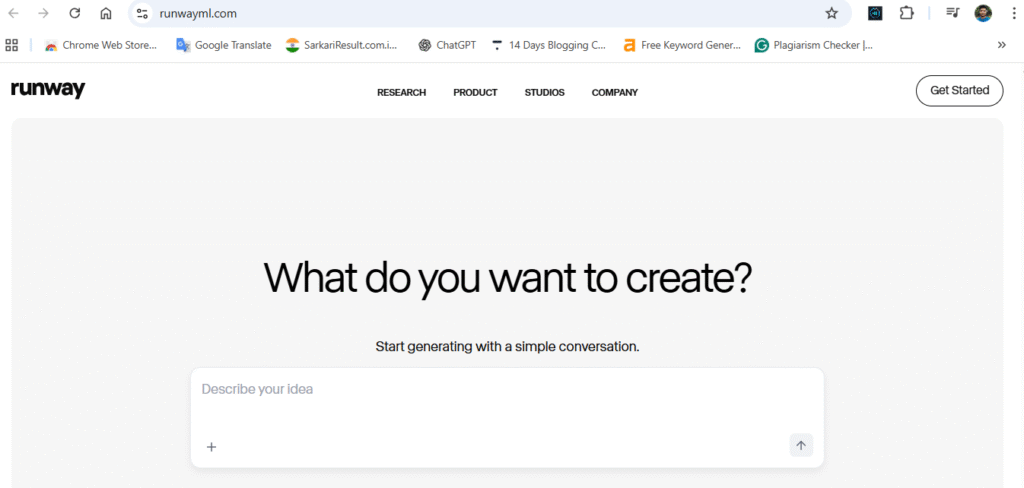
Runway ML provides creators with next-generation video editing powered by AI. It can remove backgrounds, add motion, or even generate new scenes through text prompts.
Key Features:
- AI-powered video generation and editing
- Background removal and green-screen effects
- Real-time motion tracking
Free Plan: Limited free usage with watermark.
3. Pika Labs
Website: https://www.pika.art/
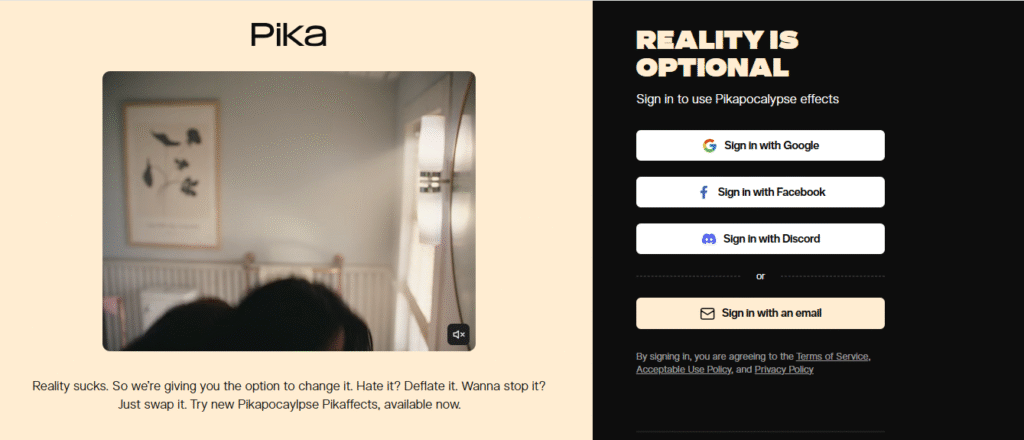
Pika Labs enables creators to turn text into animated video clips. It’s a unique AI tool free to try for short-form video creation.
Key Features:
- Text-to-video animation
- Custom camera movements
- Style control (cinematic, anime, etc.)
B. Writing & Copy Generation AI Tools
4. ChatGPT (OpenAI)
Website: https://chat.openai.com/

ChatGPT remains one of the most advanced and widely used AI tools for writing, brainstorming, and communication. It helps generate professional emails, blog articles, creative stories, and more.
Key Features:
- Context-aware writing assistance
- Multi-language support
- Creative and technical writing generation
Free Plan: Yes, available with GPT-3.5 model access.
5. Jasper AI
Website: https://www.jasper.ai/
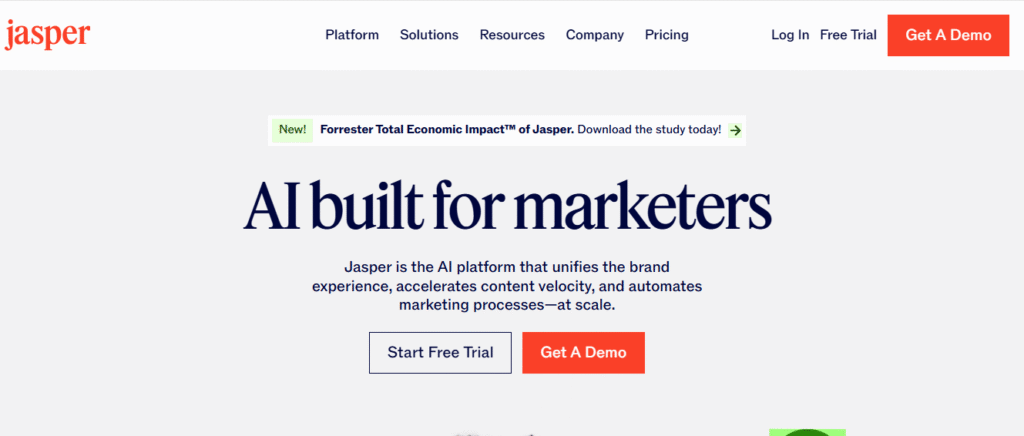
Jasper is designed for marketers and copywriters. It helps create persuasive content quickly with optimized tone and style.
Key Features:
- SEO-optimized blog content
- Brand voice consistency
- Integration with Surfer SEO
Free Plan: Trial available with limited credits.
6. Copy.ai
Website: https://www.copy.ai/
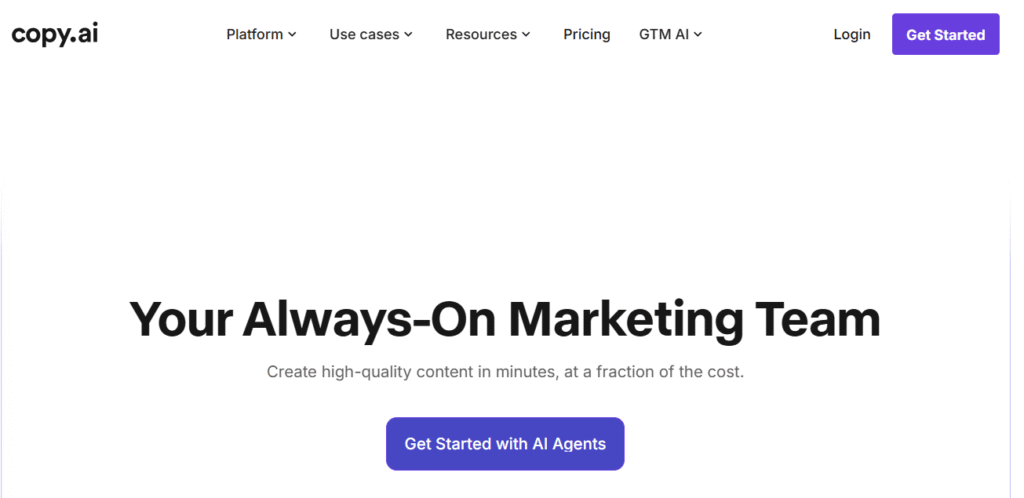
Copy.ai focuses on fast content creation for ads, blogs, and emails. With over 90 templates, it’s one of the most user-friendly AI tools free for marketers.
Key Features:
- Multiple writing tones
- Idea and slogan generator
- Team collaboration tools
Free Plan: Yes, includes 2000 words/month.
C. Design & Presentation AI Tools
7. Canva Magic Studio
Website: https://www.canva.com/

Canva’s Magic Studio integrates AI features like Magic Write and Magic Edit, helping users create designs and copy instantly.
Key Features:
- AI text generation and layout suggestions
- Background removal
- Instant presentation creation
Free Plan: Yes, with most AI features included.
8. Slides AI
Website: https://www.slidesai.io/
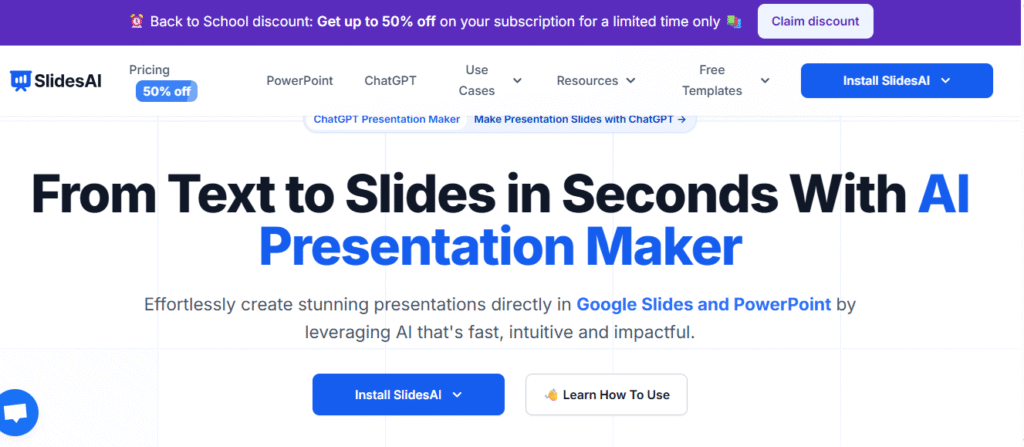
Slides AI transforms text into professional PowerPoint or Google Slides presentations automatically.
Key Features:
- AI-driven presentation generation
- Template customization
- Integration with Google Workspace
Free Plan: Limited to a few presentations per month.
9. Beautiful.ai
Website: https://www.beautiful.ai/
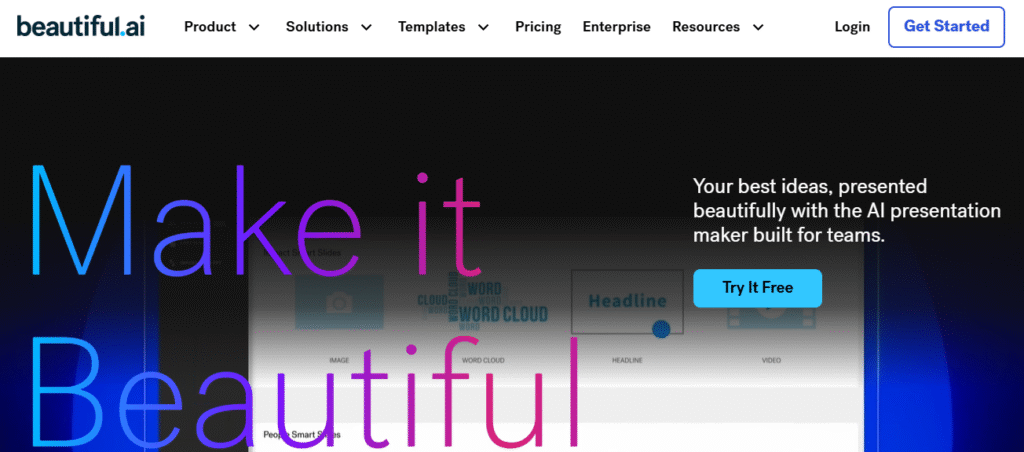
Beautiful.ai helps teams build smart, visually appealing presentations with AI formatting and design automation.
Key Features:
- Smart slides with dynamic layouts
- Team collaboration
- Real-time updates
Free Plan: Basic templates and sharing features.
D. Productivity & Research AI Tools
10. Notion AI
Website: https://www.notion.so/product/ai

Notion AI enhances note-taking and project management with AI-driven summarization, translation, and task automation.
Key Features:
- Text summarization
- Task and goal generation
- Knowledge management
Free Plan: Yes, included in the Notion Free plan.
11. Elicit
Website: https://elicit.org/

Elicit is a research-focused AI that helps summarize academic papers, find key insights, and structure research data.
Key Features:
- Literature review automation
- Paper summarization
- Citation management
Free Plan: Fully free for individual researchers.
12. Fireflies.ai
Website: https://fireflies.ai/
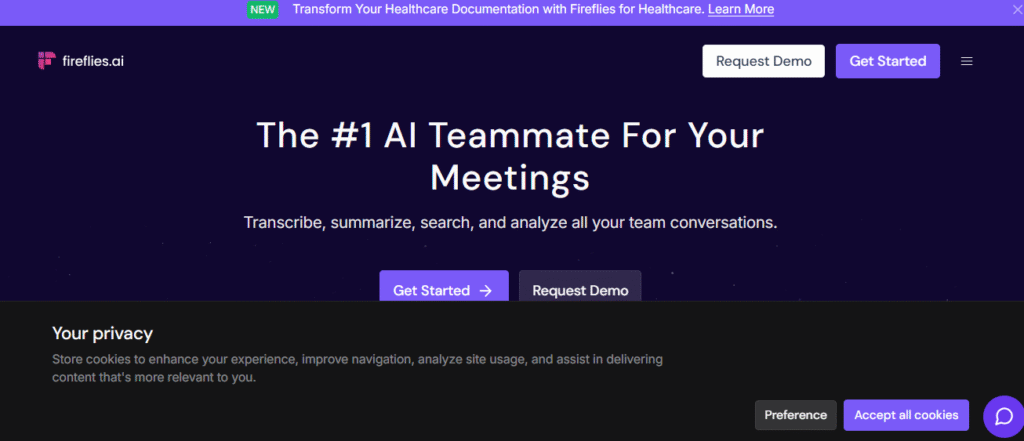
Fireflies records and transcribes meetings automatically. It’s a great addition to any professional’s AI tools list for productivity.
Key Features:
- Meeting transcription and summary
- Searchable notes
- CRM integration
Free Plan: Yes, limited transcription storage.
E. Coding & Development AI Tools
13. GitHub Copilot
Website: https://github.com/features/copilot
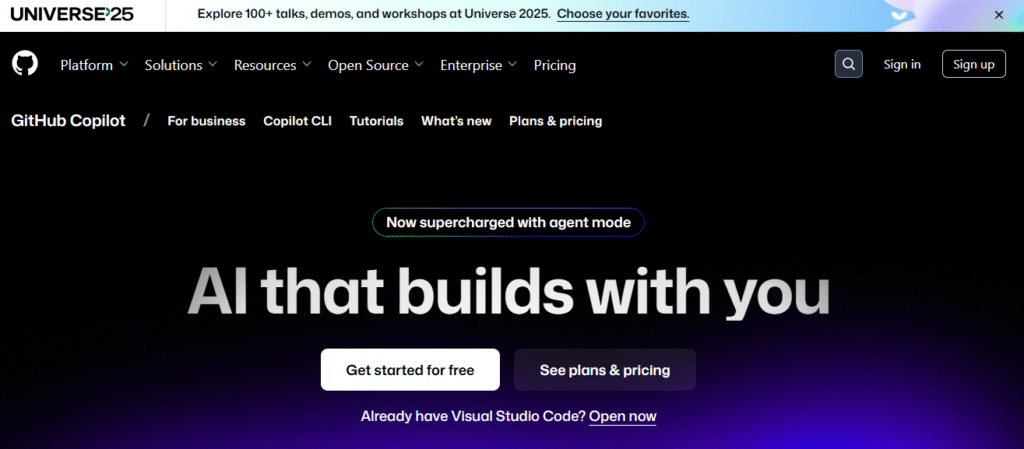
GitHub Copilot assists programmers by auto-suggesting code lines and debugging in real-time.
Key Features:
- Multi-language support (Python, JavaScript, etc.)
- Context-based suggestions
- IDE integration
Free Plan: Free for students and verified open-source contributors.
14. Tabnine
Website: https://www.tabnine.com/
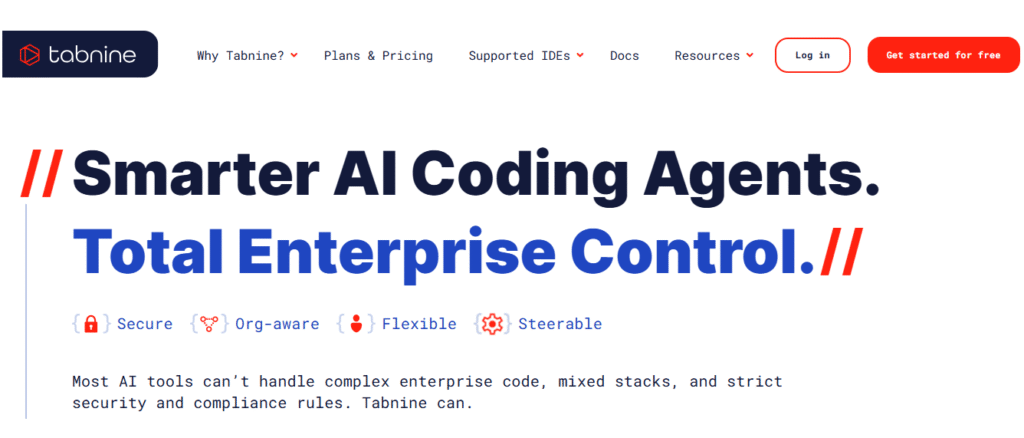
With intelligent autocompletion, Tabnine leverages machine learning to increase coding productivity.
Key Features:
Support for private code models, a lightweight IDE plugin, and offline mode
Free Plan: Offered with simple recommendations.
15. Replit Ghostwriter
Website: https://replit.com/
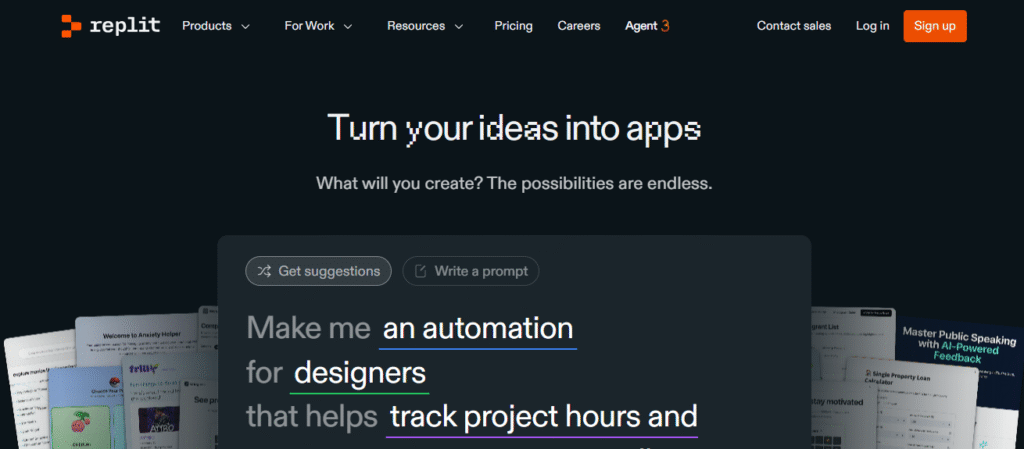
Replit Ghostwriter is an AI coding assistant for developers working directly in the browser.
Key Features:
- Code explanation
- Bug fixing
- Code completion
Free Plan: Limited usage for basic coding.
F. Music & Audio Generation AI Tools
16. Soundraw.io
Website: https://soundraw.io/

Soundraw allows creators to generate royalty-free music by specifying mood, tempo, and duration.
Key Features:
- AI-composed tracks
- Full customization options
- License for commercial use
Free Plan: Trial available for short previews.
17. Beatoven.ai
Website: https://www.beatoven.ai/

Beatoven.ai creates background music for videos and podcasts using generative AI.
Key Features:
- Emotion-based track generation
- Multi-genre support
- Simple audio editing
Free Plan: Limited downloads per month.
18. ElevenLabs
Website: https://elevenlabs.io/

ElevenLabs is known for hyper-realistic AI voice synthesis, ideal for narration or video dubbing.
Key Features:
- Natural voice cloning
- Multi-language support
- Emotion control
Free Plan: Yes, with limited voice usage.
19. Krisp.ai
Website: https://krisp.ai/
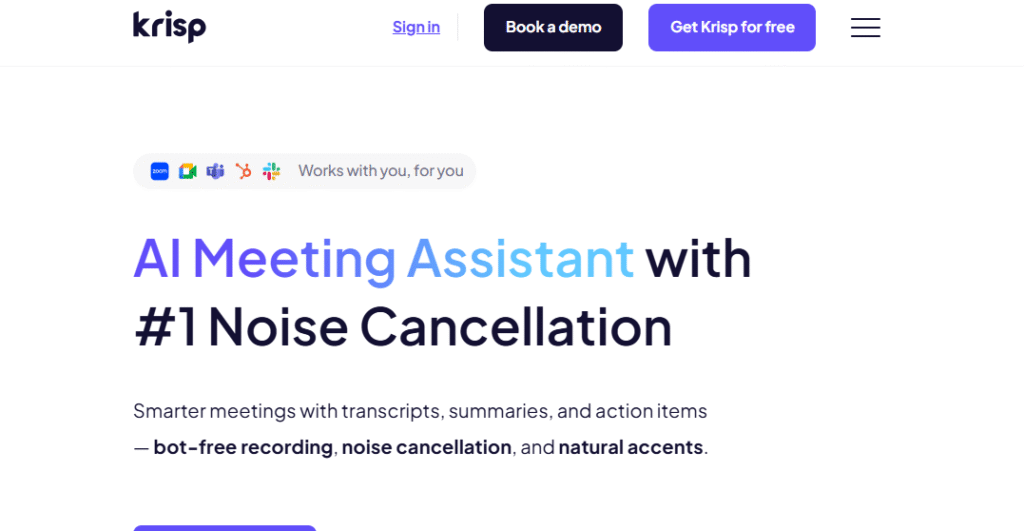
Krisp removes background noise in calls and recordings using AI. It’s one of the most practical AI tools free for professionals.
Key Features:
- Real-time noise cancellation
- Echo and background removal
- Works with Zoom, Teams, etc.
Free Plan: 60 minutes/day of free noise cancellation.
20. Murf.ai
Website: https://murf.ai/
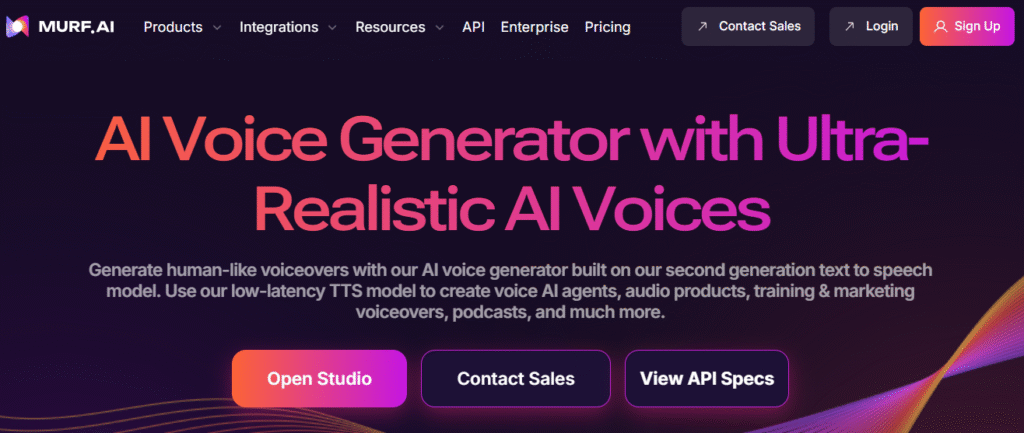
Murf offers realistic voiceovers for videos, eLearning, and podcasts.
Key Features:
- AI voice library
- Custom pitch and tone
- Script-to-voice generation
Free Plan: Trial version for testing voices.
21. Synthesia
Website: https://www.synthesia.io/
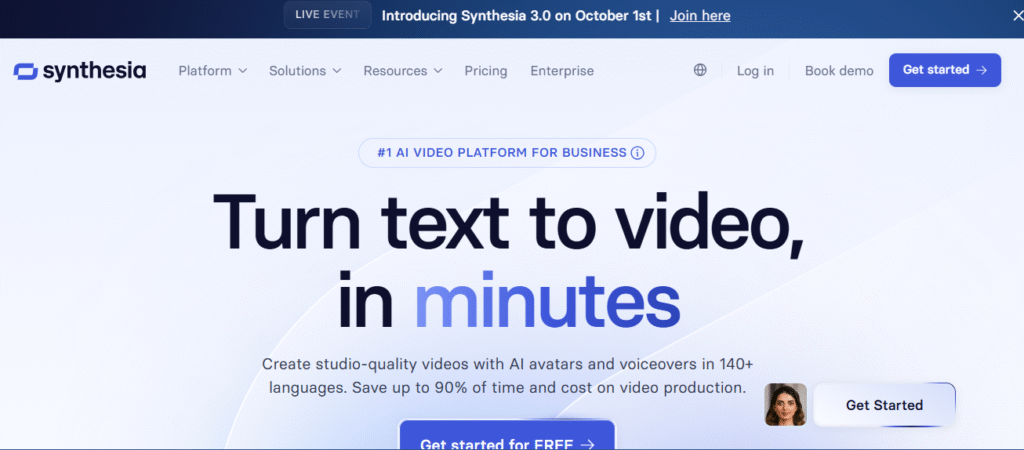
Synthesia lets you generate videos featuring AI avatars that speak your script in multiple languages.
Key Features:
- 120+ avatars
- 60+ language support
- Custom templates
Free Plan: Demo video generation.
5. Key Benefits of Using AI Tools
- Increased Productivity: Automate repetitive tasks.
- Improved Accuracy: Minimize human errors.
- Enhanced Creativity: AI assists with ideation and execution.
- Cost-Effective: Many AI tools free tiers rival premium software.
- Scalable for Teams: Easily integrated across workflows.
6. Limitations of Free AI Tools
While free plans are useful, they often include:
- Limited usage credits
- Watermarks in generated content
- Restricted export quality
- Fewer customization options
For professional use, upgrading to a paid version may be worthwhile.
7. Expert Tips for Using AI Tools Effectively
- Combine multiple tools for best results (e.g., ChatGPT + Canva).
- Always review AI-generated content for accuracy.
- Maintain ethical standards — avoid plagiarism.
- Explore community templates and plugins.
- Track productivity metrics to measure ROI.
8. Future of AI Tools: What to Expect Beyond 2025
The future of AI tools points toward deeper integration with everyday software. Expect:
- Personalized AI assistants in productivity apps.
- Multi-modal AI (text, image, voice) working together.
- Cloud-based collaboration powered by generative AI.
AI will continue reshaping how professionals create, analyze, and communicate — making these AI tools list essential for anyone preparing for the digital future.
9. Conclusion
AI has evolved into a vital productivity partner across industries. From writing and design to coding and audio production, AI tools free users from repetitive tasks and amplify creative potential.
This curated AI tools list of 2025 showcases how innovation continues to democratize creativity and efficiency. Whether you’re a beginner or a professional, exploring these tools can transform the way you work — forever.
🧠 Frequently Asked Questions (FAQ) About AI Tools
1. What are AI tools?
Artificial intelligence tools are sophisticated software applications that make use of artificial intelligence technologies including natural language processing, deep learning, and machine learning. From coding and data analysis to content development and design, they are made to automate, improve, and streamline complicated tasks. In essence, these tools increase productivity, creativity, and efficiency by simulating human-like intelligence.
2. Are there any AI tools free to use?
Yes, there are many AI tools free for public use. Popular examples include ChatGPT, Canva Magic Studio, Slides AI, and Elicit. These tools provide essential AI capabilities for content writing, design, presentations, and research assistance — without any cost. Free versions typically offer enough features for beginners or individuals exploring AI for the first time.
3. Which AI tools are best for students?
Students can use several AI tools to streamline their learning and improve academic productivity. Some of the best options include:
Elicit – for summarizing research papers and gathering academic references.
Notion AI – for note-taking, summarization, and task organization.
Slides AI – for creating professional presentations quickly.
ChatGPT – for essay writing, brainstorming, and language learning.
These tools from the AI tools list help students save time while enhancing quality and comprehension.
4. What are the best AI tools for content creators?
For content creators, a mix of text, video, and design-based AI tools works best.
Top recommendations include:
Descript and Runway ML – for AI-assisted video editing.
Copy.ai and Jasper AI – for blog and ad copy generation.
Canva Magic Studio – for AI-driven graphic design.
These AI tools automate editing, writing, and design processes, allowing creators to focus on creativity and brand voice.
5. Which AI tool is best for coding?
For developers, the leading AI tools include GitHub Copilot and Tabnine. These tools assist with real-time code completion, debugging, syntax prediction, and documentation generation. By integrating directly into IDEs, they help programmers code faster and reduce errors, making them essential parts of any AI tools list for developers.
6. How can AI tools improve productivity?
AI technologies improve data accuracy and automate tedious processes, which greatly increases productivity. These tools save a great deal of time whether producing reports, producing content, or analyzing big datasets. They are essential in many industries because they enable users to do complicated activities that would normally take hours in just a few minutes.
7. Are AI tools safe to use?
Most AI tools developed by reputable organizations like OpenAI, Google, and Microsoft are safe to use. However, users should still review privacy policies, avoid uploading sensitive data, and verify AI-generated outputs. Responsible use ensures security and accuracy when working with both free and premium AI tools.
8. Can AI tools completely replace humans?
No, AI tools cannot completely replace human intelligence or judgment. While they excel at automation and data-driven tasks, they lack emotional intelligence, ethics, and creativity in decision-making. The goal of AI is to augment human capability — not replace it.
9. What are the limitations of free AI tools?
While AI tools free versions are highly useful, they often include certain restrictions such as:
Limited daily usage or word count.
Watermarks on generated images or videos.
Fewer templates and customization options.
Slower processing speeds.
While AI tools free versions are highly useful, they often include certain restrictions such as:
Upgrading to premium versions removes these limits and unlocks advanced features.
10. How do I choose the right AI tool for my needs?
Start by defining your specific use case — writing, designing, coding, or analytics. Then compare tools based on factors like:
Ease of use and learning curve.
Integration options with other platforms.
Customer support and community feedback.
Availability of a free AI tool version for testing.
Selecting from a verified AI tools list ensures reliability and long-term usability.
11. What are the top trending AI tools in 2025?
According to recent trends, some of the most popular AI tools in 2025 include:
ChatGPT (OpenAI) – for writing, coding, and brainstorming.
Runway ML – for AI video generation and visual effects.
Notion AI – for productivity and task management.
Soundraw.io – for AI-generated background music.
These tools dominate the AI tools list due to their versatility and innovation across creative industries.
12. Are AI tools suitable for small businesses?
Yes. Many AI tools free versions are perfect for startups and small businesses. They can automate marketing, content creation, social media scheduling, and customer engagement — without the need for large budgets. Popular tools such as Copy.ai, Canva, and Murf.ai are cost-effective and scalable options for business owners.
13. Can AI tools be integrated into websites or apps?
Absolutely. Many AI tools offer APIs and SDKs for developers to integrate functionalities into websites or apps. Examples include:
OpenAI API – for chatbots, writing assistants, and customer support systems.
Stability AI – for image generation capabilities.
ElevenLabs – for realistic AI voice synthesis.
These integrations allow companies to enhance their platforms with intelligent automation and personalized user experiences.
14. What is the future of AI tools beyond 2025?
Beyond 2025, AI tools are expected to become more personalized, multimodal, and context-aware. Future AI systems will seamlessly combine text, voice, image, and video capabilities in a single interface. Integration across education, healthcare, business, and entertainment will make AI a silent but essential part of everyday life.
Recent Posts
- Top Upcoming Smartphones October 2025: What to Expect & Full Launch Calendar
- Ultimate Guide to the Best Gaming Headphones (India & USA, 2025)
- IQOO 15: Everything You Need to Know About Specs, Price, and Launch Date
- What is eSIM? A Comprehensive Guide to eSIM Technology
- Alienware Aurora 16x: Best Gaming Laptop for Gamers
[…] 21 Best AI Tools (Free) to Transform Your Productivity in 2025 […]
[…] 21 Best AI Tools (Free) to Transform Your Productivity in 2025 […]