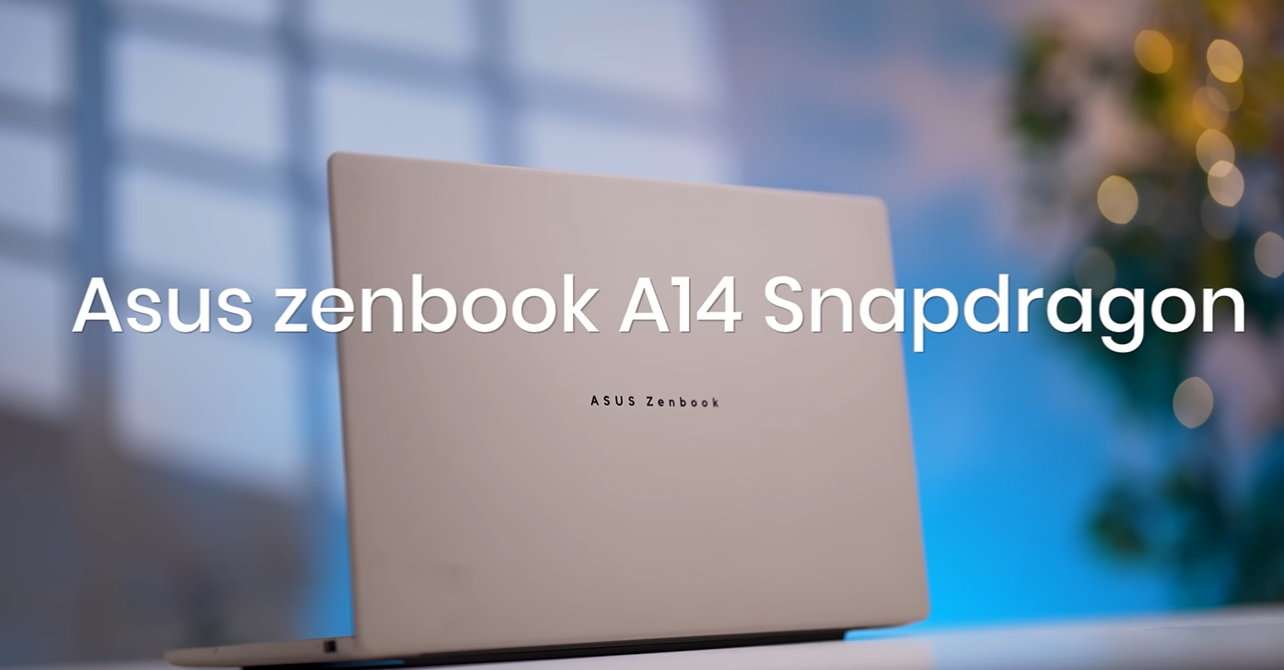
Thinking of buying the Asus Zenbook A14? Read this in-depth Asus Zenbook A14 review covering performance, display, battery life, gaming, and service issues. Find out if the Asus Zenbook A14 price justifies the hype!
Table of Contents
1. Introduction: First Impressions of the Asus Zenbook A14
Alright, guys, let’s get straight into it. I recently got my hands on the Asus Zenbook A14, which comes with the Snapdragon X processor, marketed as a next-generation Windows on ARM laptop. The hype is real—people are calling this “the future laptop.”
But here’s the catch: even with ₹84,000 invested, Chrome starts crashing when you open more than 15 tabs. Yeah, I know. That’s not exactly the “future-proof” experience we were promised.
So in this review, I’ll tell you exactly what works, what doesn’t, and whether the Asus Zenbook A14 price actually makes sense. Spoiler alert: it’s not all smooth sailing.
2. Build Quality & Design: Solid or Cheap?
When you unbox it, the Zenbook A14 feels light, but “solid” it is not. The hinges? Flexible. The keyboard? Cheap. Asus claims the body is aluminum, but honestly, it gives off a slightly plastic vibe in hand.
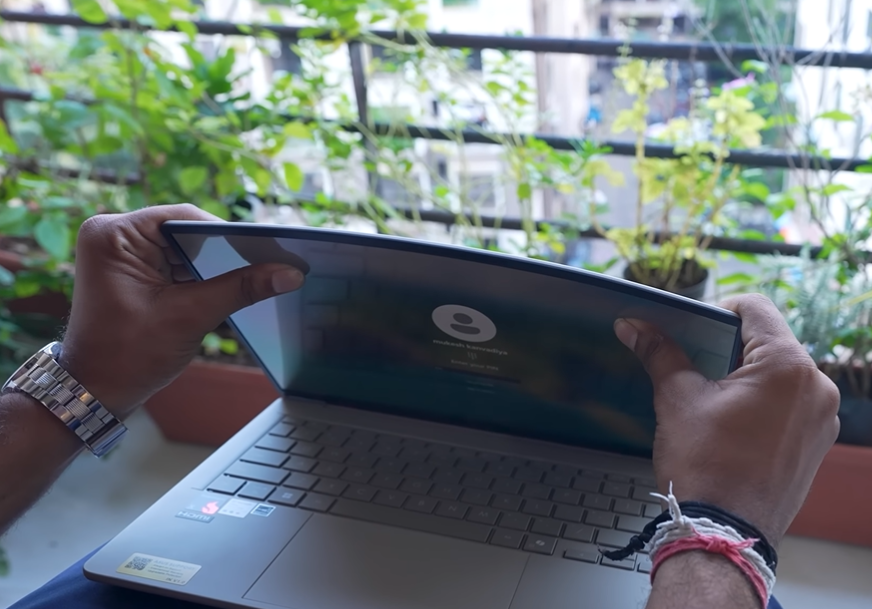
And let’s talk about flex: the display flexes, the keyboard flexes, even when you touch it lightly. It’s not the sturdy experience you expect at this price point.
For comparison, Apple’s M-series laptops are older but optimized. Everything—hardware and software—feels premium and stable. Here? Not so much.
3. Display & Visibility: OLED, But Not Perfect
Yes, the Zenbook A14 sports an OLED display, which is supposed to be a selling point. Colors are vivid, yes, but the glare is insane. One little reflection and bam—you can barely see your screen. Mirror finish? Absolutely. Eye strain? Guaranteed.
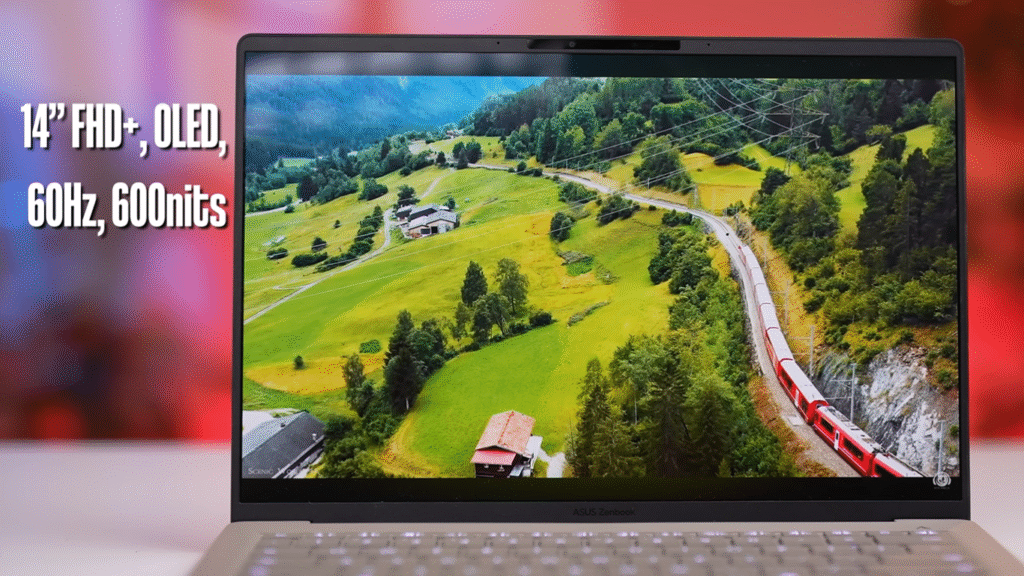
While it’s fine for basic content, professionals who edit photos or videos might find this frustrating. Visibility is a real issue under normal lighting conditions.
4. Performance: Snapdragon X vs Apple M Series
Here’s the deal: the Snapdragon X processor is ARM-based, kind of like Apple’s M1 and M2 chips. But here’s the kicker—Apple has had years to optimize software for its hardware.
With the Zenbook A14, the real performance just isn’t there yet. Opening 12–15 Chrome tabs? Good luck. The laptop slows down, tabs crash, and apps freeze. It feels laggy compared to even an older M1 MacBook.
Snapdragon laptops have potential, but this is not Apple-level multitasking smoothness yet.
5. Gaming Performance: Don’t Get Your Hopes Up
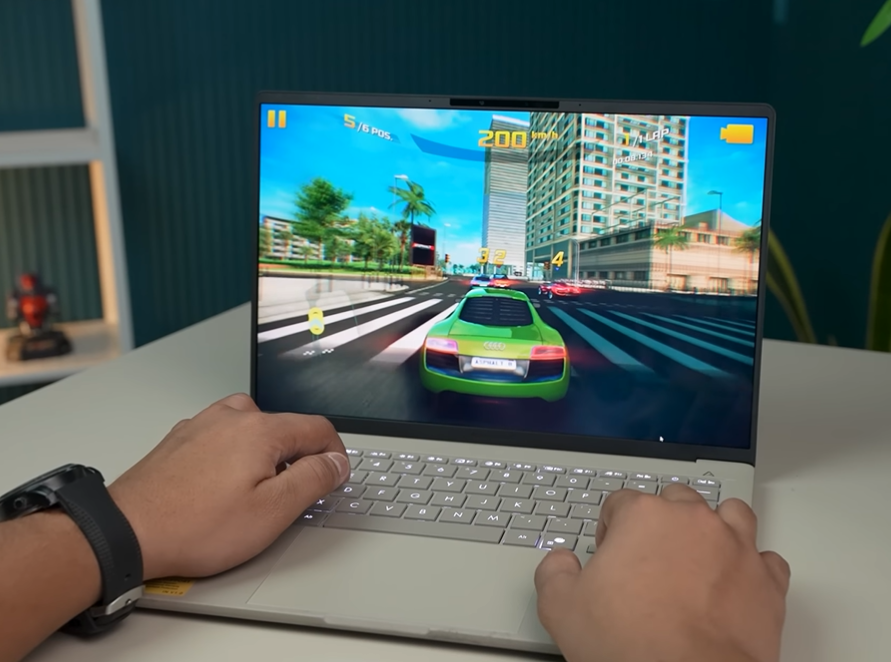
Let’s be real—this is not a gaming laptop. The Zenbook A14 uses Adreno GPU, which is far weaker than NVIDIA’s RTX series. Heavy games? Forget it. Emulators? Struggle city.
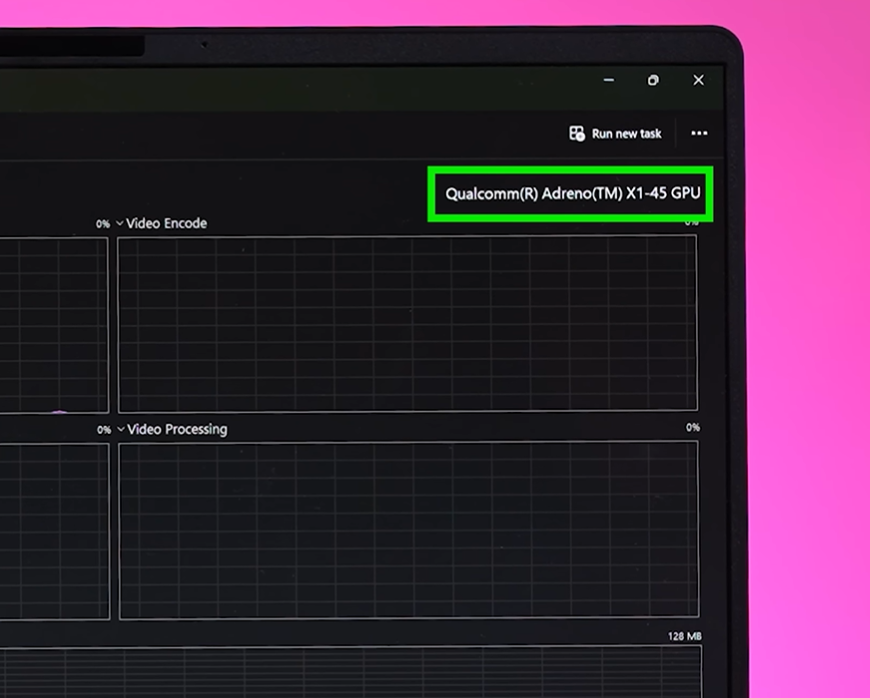
Even if you try casual games, expect lag. If you want solid gaming under ₹84,000, look elsewhere—like laptops with RTX 3050/4050 series GPUs.
6. Productivity & App Compatibility: Chrome, Premiere & More
Productivity-wise, the Zenbook A14 struggles. Apps like Premiere or After Effects? Limited compatibility. Some apps crash, some won’t even open.
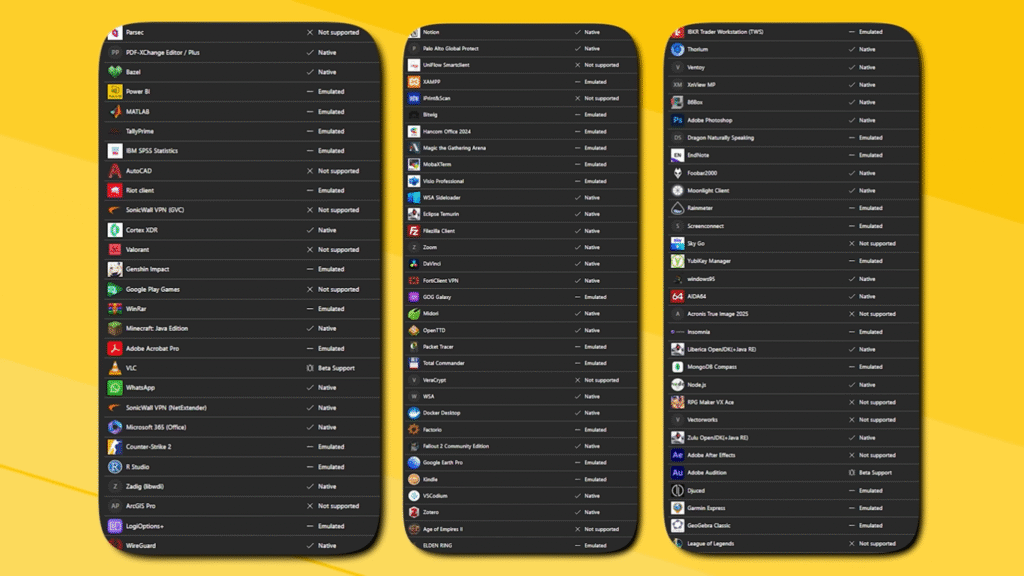
Even web browsing with multiple tabs becomes a headache. Minor bugs are everywhere: apps closing randomly, web pages not responding, minor freezes.
If you’re someone who depends on heavy multitasking for work, an Apple MacBook M1/M2 or even Samsung Galaxy Book might be a smarter investment.
7. Battery Life: 32 Hours? More Like 16
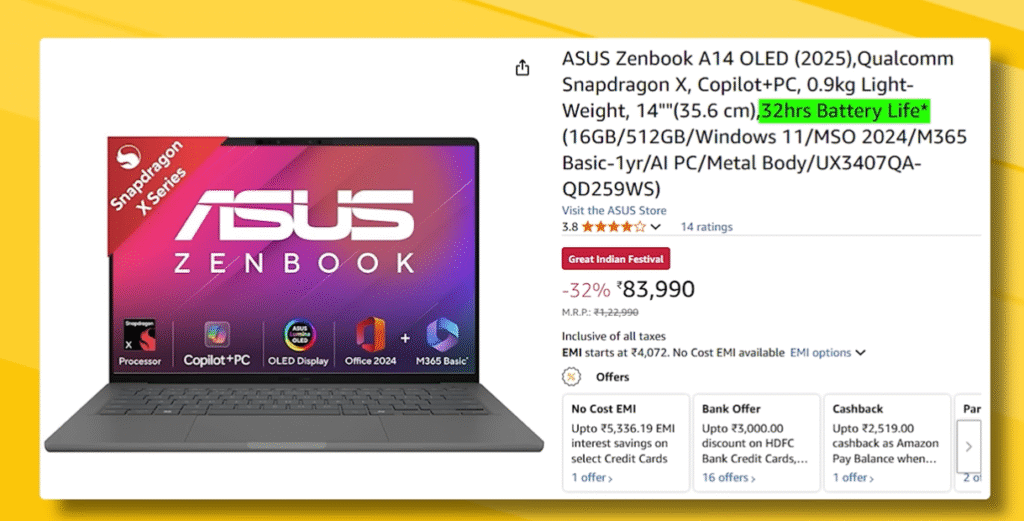
The claimed 32-hour battery life is overly optimistic. In reality, you’ll get around 15–16 hours under normal usage (Chrome, light apps, and video streaming). Heavy tasks? Even less.
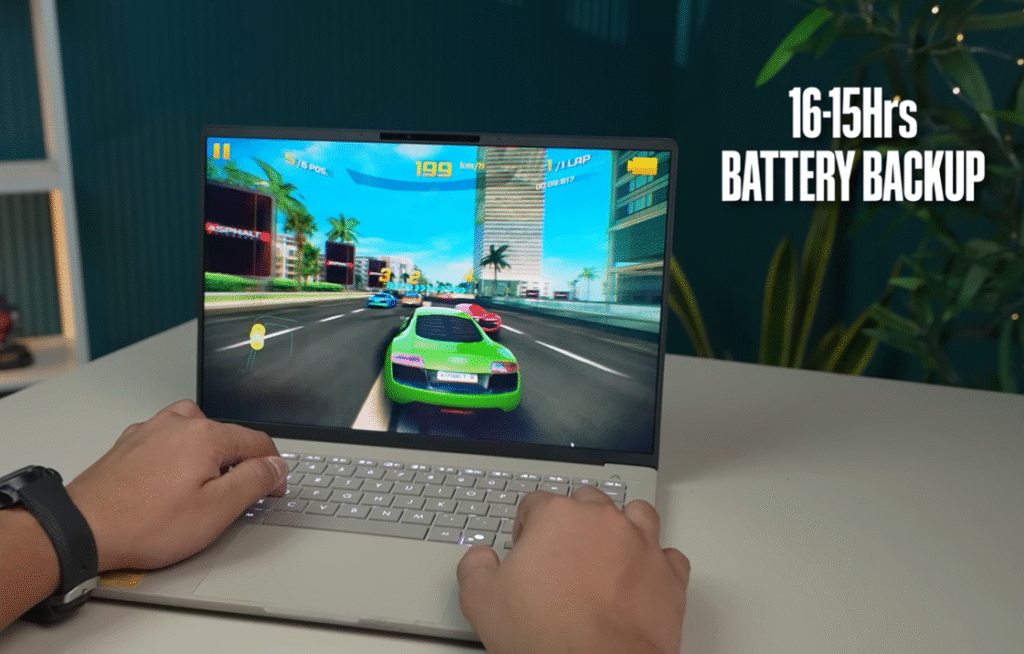
So, if you thought this laptop would last two full workdays without charging—think again.
8. Ports & Connectivity: Minimal but Useful
It has:
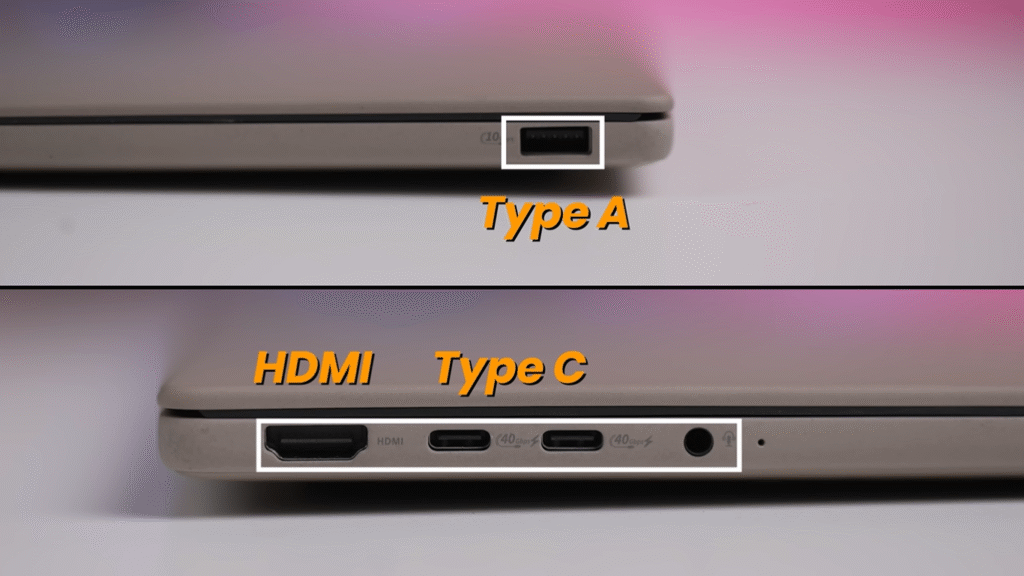
- 2 Type-C ports (supporting power delivery)
- 1 HDMI port
That’s about it. Minimal, but usable for most day-to-day tasks. Don’t expect any fancy Thunderbolt or multiple display support for professional setups.
9. Speakers & Audio: Decent, But Not Amazing
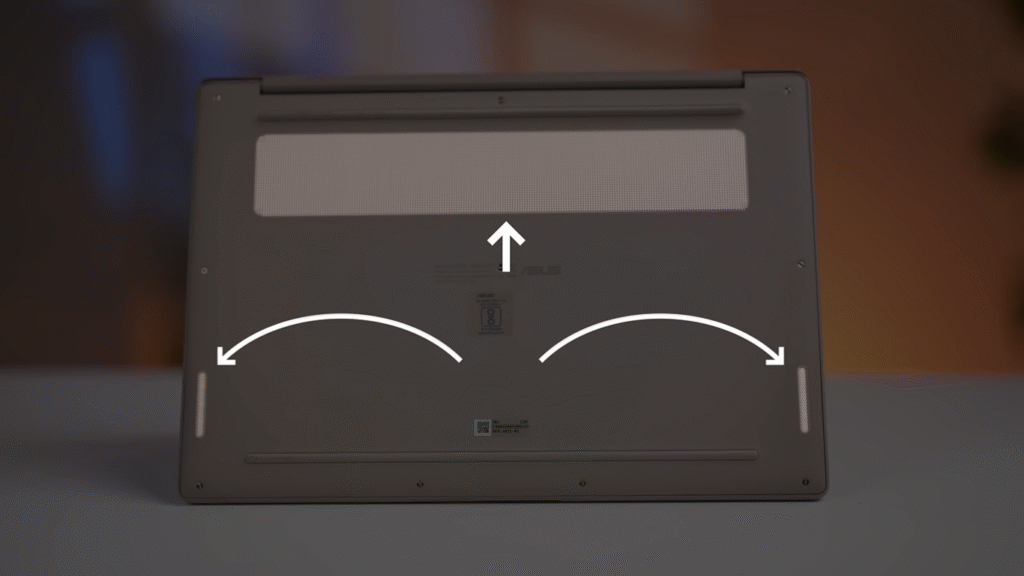
Speakers are okay. Loud enough for casual use, but bass? Not present. Other laptops in this price range sometimes outperform in audio. For a media-heavy setup, you’ll probably want external speakers or headphones.
10. Service & After-Sales Experience: The Real Headache
Here’s where it gets tricky: Asus service. Online forums, Reddit, Twitter, and personal experiences show slow, frustrating service.

- Complaints take weeks to resolve
- Third-party engineers often delay repairs
- Replacement parts? Slow and sometimes cheap quality
Honestly, this is a bigger problem than performance issues because you can’t “fix” it at home.
11. Pros & Cons: Final Takeaways
Pros:
- Lightweight, portable design
- OLED display with good colors
- Decent battery life for light use
- Minimal but usable ports
Cons:
- Chrome crashes with multiple tabs
- Poor app compatibility
- Mediocre build quality and flex issues
- Weak GPU; not suitable for gaming
- Service and after-sales are slow and frustrating
- Real productivity performance below price expectations
Verdict: Should You Buy the Asus Zenbook A14?
If your focus is gaming or heavy productivity, don’t buy this. It’s overpriced for what you get at ₹84,000. Apps crash, tabs die, and support is frustrating.

If you’re curious about ARM laptops, this is a trial experience—but definitely not the “future laptop” hype.
Better alternatives under ₹84,000:
- Apple MacBook M1/M2 – smooth multitasking, app support
- Samsung Galaxy Book series – stable Windows experience
- Acer Nitro or MSI Thin laptops – better gaming options
12. FAQ Section: Quick Answers
Q1. What is the Asus Zenbook A14 price?
A1. Currently, it’s around ₹84,000, depending on configuration and retailer.
Q2. Can the Asus Zenbook A14 handle gaming?
A2. No. The Adreno GPU is weak; heavy games will lag or crash.
Q3. Is the battery really 32 hours?
A3. No. Expect around 15–16 hours under light use.
Q4. How is the display?
A4. OLED with good colors, but glare and reflections make visibility tough in bright settings.
Q5. Should I buy it for productivity?
A5. Not recommended. Chrome crashes, app compatibility issues, and slow performance make it frustrating for serious work.
13. External Resources & References
- Official Asus Zenbook A14 Page
- ARM-based Windows Laptops Overview
- Snapdragon X Processor Specs
- Apple MacBook M1 vs M2 Review
- Samsung Galaxy Book Series
Final Thoughts:
Guys, I spent my hard-earned ₹84,000 on this laptop so you don’t have to. My experience with the Asus Zenbook A14 shows it’s not quite ready to replace Apple or other Windows machines for heavy tasks. Yes, it’s lightweight and has flashy features, but stability, app support, and service are still major concerns.
If you want a reliable, future-proof laptop, look elsewhere. And if you’re curious, comment below—I can make a full video-style list of the best laptops under ₹84,000 for productivity and gaming!
Until next time—like, share, and subscribe. Don’t burn your money on hype. Trust me, you’ll thank me later.
Recent Posts
- Best RO Water Purifier for Home: 2025 Guide for India
- Samsung Galaxy Tab S11 Ultra Review – The Most Powerful Android Tablet Yet!
- Comprehensive Review of Meta Ray-Ban Display Glasses
- ASUS ROG Xbox Ally X Review – The Ultimate Handheld Gaming Beast of 2025
- Sony ULT Field 3 & Sony ULT Field 5 Review: The Ultimate Portable Party Speakers in 2025
[…] Asus Zenbook A14 Review: Is This ₹84,000 Laptop Really Worth It? […]