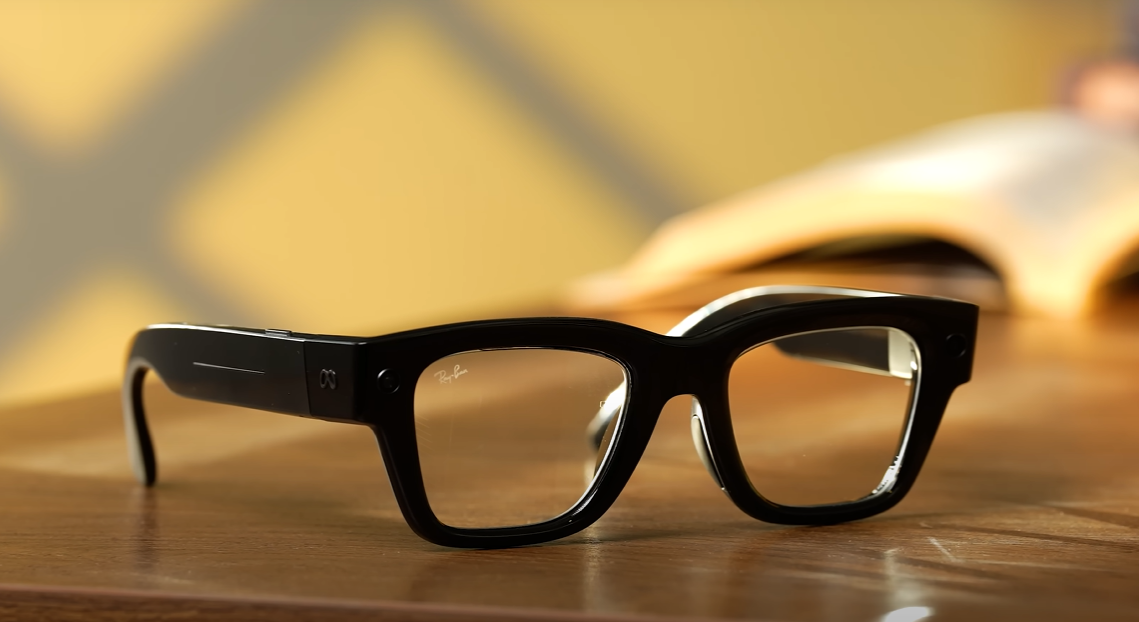
Discover my full hands-on review of the new Meta Ray-Ban Glasses powered by the innovative Meta Ray-Ban Display. From unboxing and real-world performance to AI features, camera, and everyday usability — here’s everything you need to know before buying Meta’s smartest eyewear yet.
Table of Contents
1. Introduction – The Most Expensive Pair I’ve Ever Owned
I never thought I’d say this, but I’ve just bought the most expensive pair of glasses of my life — and no, it’s not Gucci, not Cartier. It’s something far more futuristic: the Meta Ray-Ban Display Glasses.

Now, technically, they retail for around $799, which sounds steep already. But by the time I imported them, paid for shipping, duties, and everything else, it costed me whole lot more.
So why would anyone in their right mind spend that kind of money on smart glasses? Well, let’s just say curiosity — and a bit of obsession with tech — got the best of me.
2. Why I Bought the Meta Ray-Ban Glasses
As a tech enthusiast, I’ve always been fascinated by how wearable technology is slowly becoming part of everyday life. When I saw Meta partnering with Ray-Ban to create something that combines classic eyewear design with AI-powered smart features, I knew I had to try them.

It wasn’t about owning a fancy gadget. It was about experiencing what the future of augmented reality and AI integration really feels like — right on my face.
3. Unboxing Experience
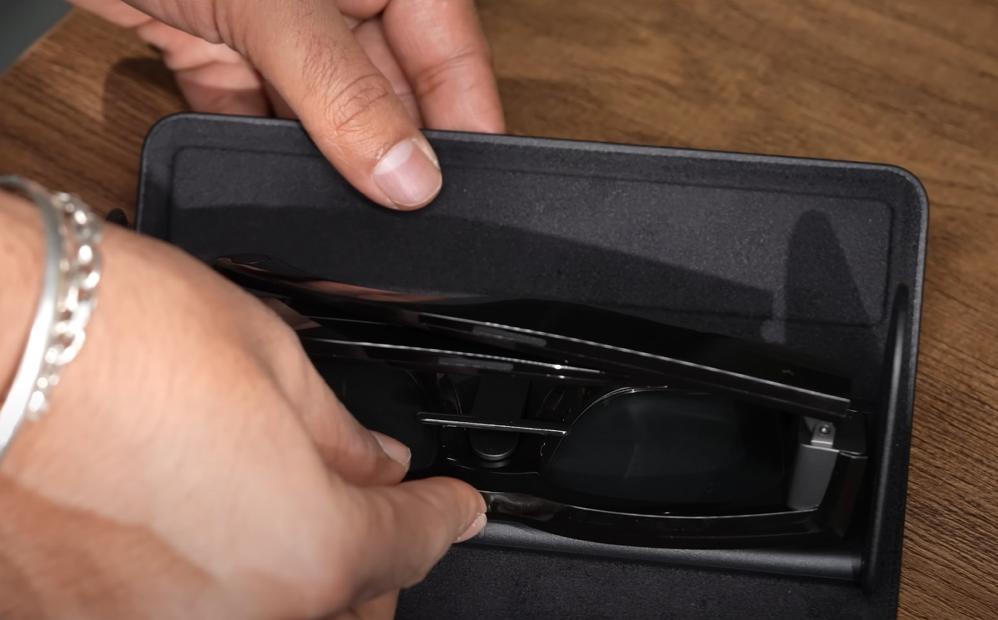
Unboxing the Meta Ray-Ban Display Glasses felt premium right from the start. The packaging had that minimalist Meta touch — matte black box, bold silver logo, and a magnetic clasp that opens to reveal the glasses sitting neatly in their case.
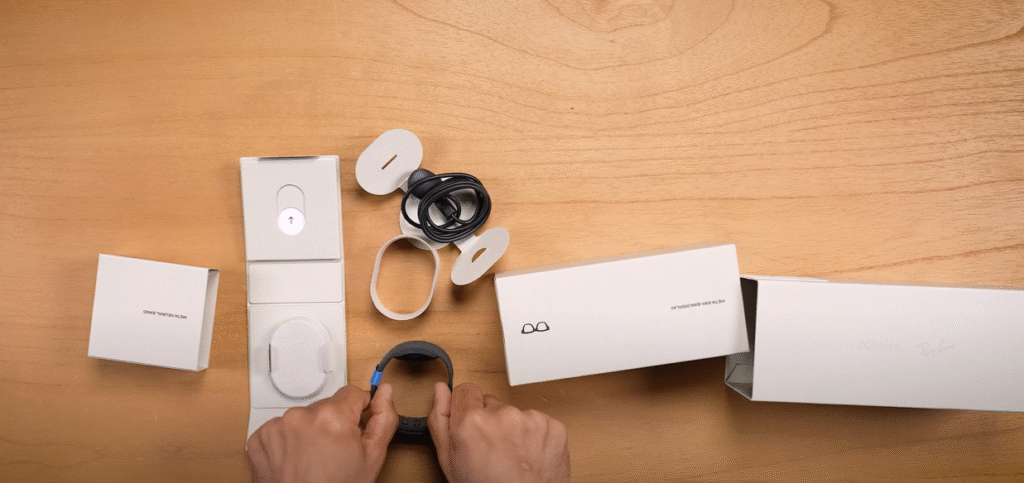
Inside the box:
- The Meta Ray-Ban Display Glasses
- A premium leather charging case
- A USB-C charging cable
- And the usual paperwork
Even before turning them on, you can tell that this isn’t just another gadget. It’s a lifestyle product.
4. Design & Build Quality
Ray-Ban has absolutely nailed the aesthetics here. The glasses look like a regular pair of Ray-Ban Wayfarers — same timeless shape, same comfort, and same subtle branding.
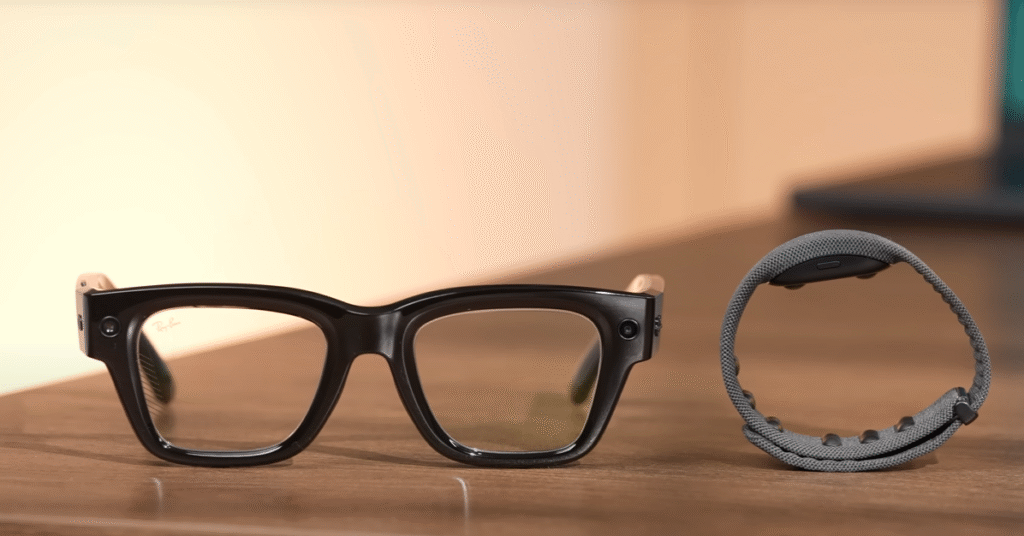
The frame feels sturdy yet light, with just enough flexibility to fit snugly. What’s even more impressive is how Meta has managed to hide all the AI sensors, cameras, microphones, and display modules without ruining the look.
To anyone walking by, they look like normal sunglasses — and that’s what makes them special.
5. Meta Ray-Ban Display Features Explained
Now let’s talk about what makes these glasses “smart.”
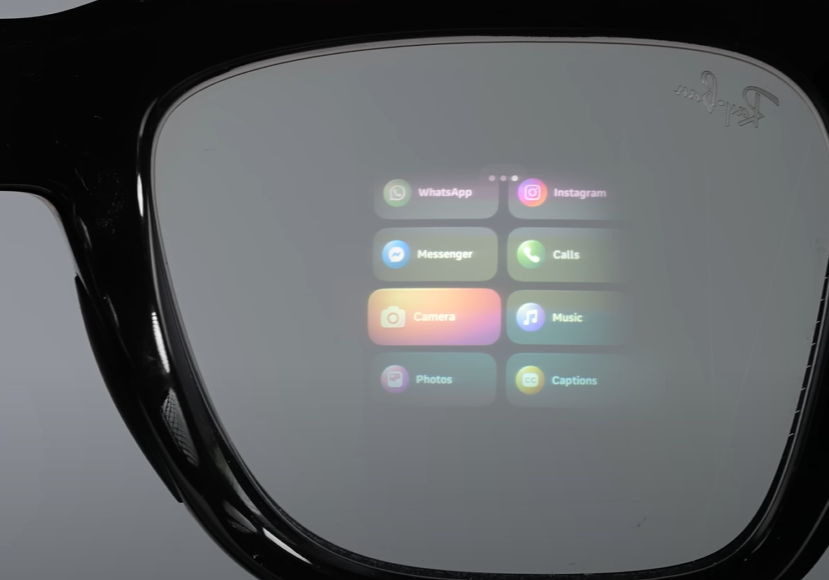
The Meta Ray-Ban Display is essentially a tiny projection system built into the lens that can show notifications, incoming calls, navigation directions, real-time translations, and even short messages — right in your line of sight.
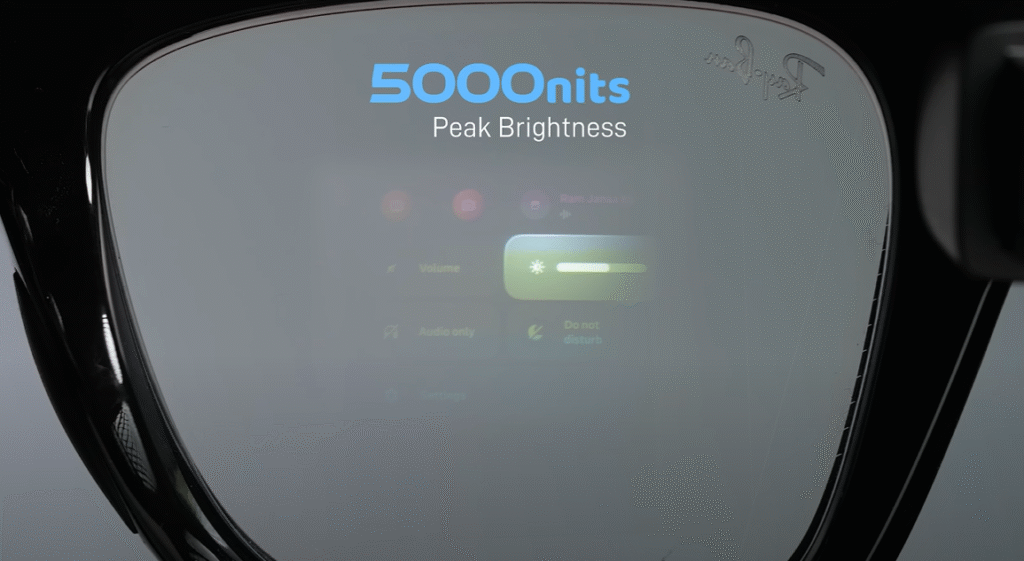
You don’t need to lift your phone; it’s like having a mini-AR screen floating in front of you.
The glasses also come with voice-activated AI (powered by Meta’s new on-device model), open-ear speakers, touch controls, a 12-MP camera, and live streaming capabilities directly to Instagram or Facebook.
Basically, Meta turned your everyday sunglasses into a mini AI assistant.
6. Display Performance & Real-World Use
The display inside the Meta Ray-Ban Glasses is surprisingly clear and bright. Even in daylight, the text and visuals appear crisp. The field of view is limited but perfect for subtle notifications and quick glances.
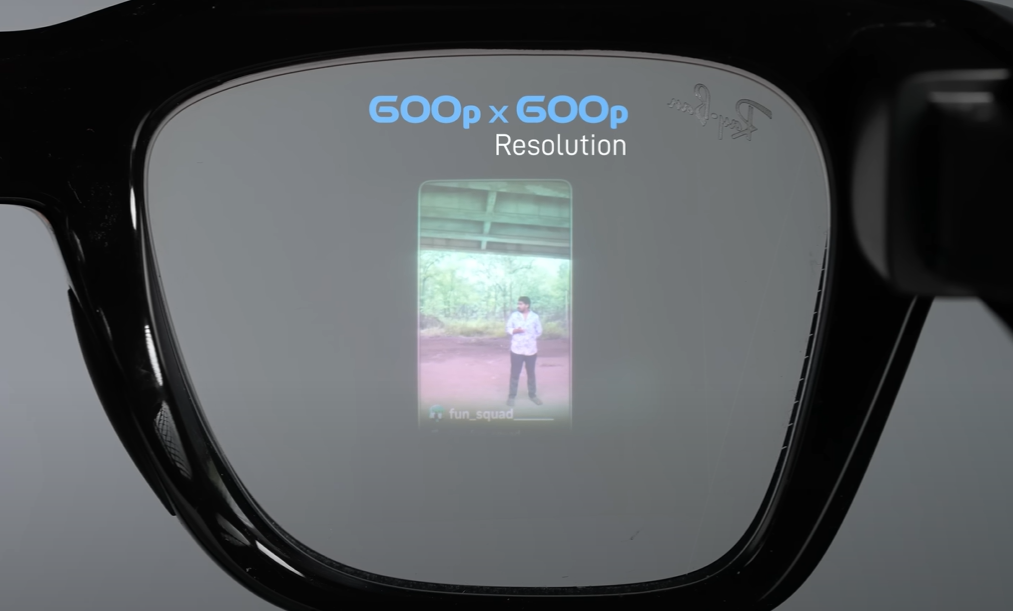
During my daily commute, I used the glasses to check navigation without pulling out my phone. It felt natural — like having Google Maps integrated into your vision.
It’s not intrusive or flashy. Instead, it blends into your day, showing only what matters when you need it.
7. Audio, Camera & AI Capabilities
The open-ear audio system is one of my favorite features. You can talk to Meta AI, listen to music, and answer calls without covering your ears. The audio quality is so rich and directional that others barely hear what is playing.
The camera gets great results for casual use. “Hey Meta, snap a photo,” is all you need to say to start taking photos or videos without using your hands.
And yes, it can live stream directly to your social platforms. For content creators, vloggers, or anyone who loves sharing real-life moments, that’s a huge plus.
Meta AI can also describe what it sees. Point the camera at a product, and it tells you what it is. Look at a sign in another language, and it translates it live on the Meta Ray-Ban Display. That’s insane.
8. How the Meta Ray-Ban Glasses Change Everyday Life
After a few days of wearing them, I realized something: these glasses aren’t just for show — they’re genuinely useful.
Imagine walking through a new city with turn-by-turn directions visible right in your lens. Or having AI describe landmarks and read notifications while your hands are busy.
It’s convenience redefined. The more I used them, the more natural it felt to have information floating right in front of me.
9. Limitations & Pain Points
Of course, it’s not perfect.
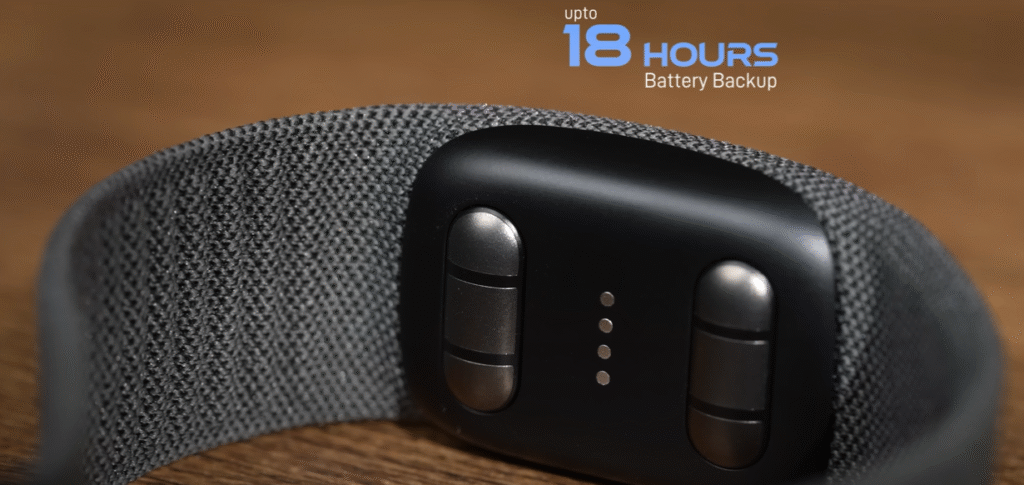
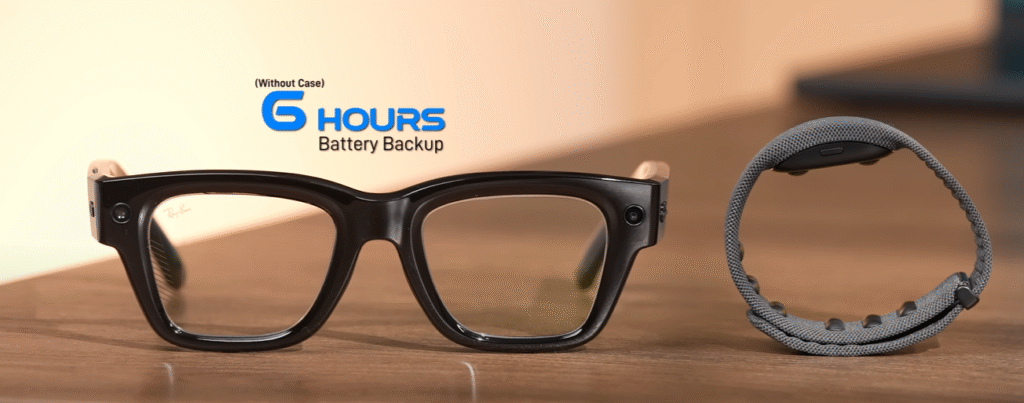
The display area is small, so you can’t watch videos or browse full websites. The battery life lasts around 3–4 hours of active use. And since they rely heavily on your phone, connectivity drops can be annoying.
Also, the price (even without import costs) is not for everyone. At $799, these are premium tech accessories, not daily-use budget gadgets.
10. Battery Life & Connectivity
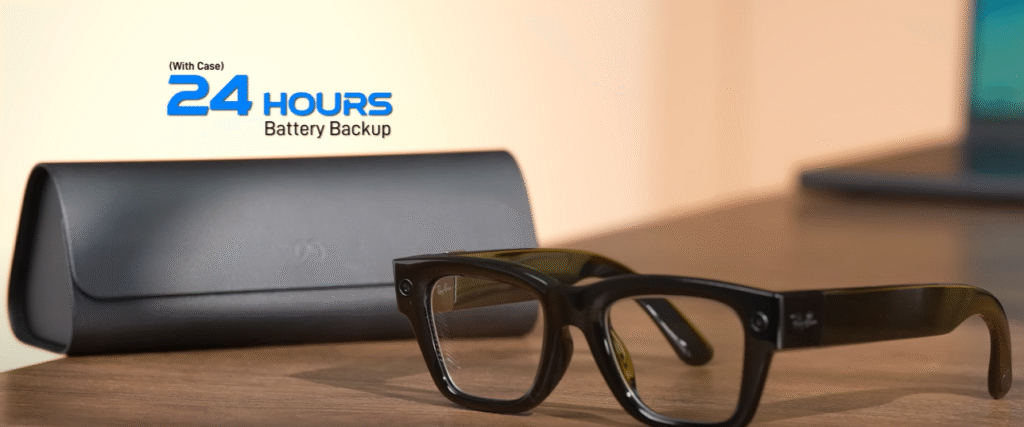
The glasses charge via the case, which works similarly to AirPods. You get about 36 hours of standby time, but if you’re actively streaming or using navigation, expect much less.
They connect via Bluetooth and sync seamlessly with the Meta View app, which acts as your control center.
The app lets you view captured media, control privacy settings, and even customize how much data Meta AI can access.
11. Comparing with Other Smart Glasses
I’ve tried a few others — like the Snap Spectacles and Xreal Air. While they’re good in their own way, none match the balance of design, comfort, and practicality that the Meta Ray-Ban Display Glasses offer.
Snap Spectacles are flashy but bulky. Xreal Air feels futuristic but not something you’d wear casually. Meta’s design actually fits your lifestyle.
12. Privacy Concerns – What You Should Know
One question everyone asks is: “Can these glasses record people secretly?”
Technically, yes — but Meta has added visible LED indicators that light up when recording or streaming. Still, privacy remains a grey area.
Meta claims that all data is processed securely, but as always, you should read their privacy settings carefully before diving in.
13. My Honest Verdict
So after spending so much money and a few weeks of testing — was it worth it?
Honestly, yes and no.
If you’re a tech enthusiast, content creator, or someone who loves being ahead of the curve, these glasses are mind-blowing.
But if you just need sunglasses that play music or take pictures, you can get similar experiences for far less.
For me, it wasn’t just about owning them — it was about experiencing the future today. And that, to me, made it worth every rupee.
14. Pros & Cons
Pros:
- Sleek, stylish Ray-Ban design
- Clear AR display with useful notifications
- Excellent AI integration
- Great audio quality
- Hands-free photo/video capture
- Live streaming support
Cons:
- Expensive, especially when imported
- Limited display area
- Short battery life with heavy use
- Privacy concerns for public spaces
15. Final Thoughts – Are They Worth
The Meta Ray-Ban Glasses represent the next step in wearable computing. They’re not just smart glasses — they’re a vision of how AI and daily life will merge in the near future.
Yes, I spent way too much on them, but I don’t regret it. Because once you experience that feeling of information floating naturally in your world, going back to “normal” glasses feels… outdated.
16. FAQs
Q1. What’s the official price of Meta Ray-Ban Display Glasses?
A: The official starting price is $799, depending on the model and storage variant.
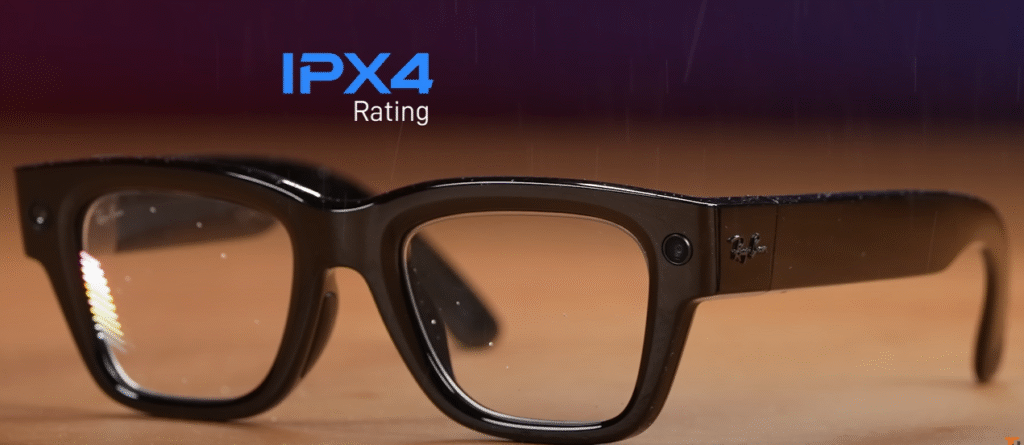
Q2. Are Meta Ray-Ban Glasses waterproof?
A: They’re splash-resistant but not waterproof, so avoid wearing them in heavy rain or swimming.
Q3. Can you use Meta Ray-Ban Glasses without a smartphone?
A: They require the Meta View app for setup and functionality, but some features like photo capture can work offline.
Q4. How is the display visible in sunlight?
A: The display is bright and easily visible in daylight, though it looks best in moderate lighting.
Q5. Do they work with iPhones?
A: Yes, they support both Android and iOS through Bluetooth and the Meta View app.
17. External Links
- Official Meta Ray-Ban Glasses Page
- Ray-Ban Official Website
- Meta View App on Google Play
- Meta AI Privacy Policy
Final Word:
If the idea of combining timeless Ray-Ban style with Meta’s cutting-edge AI excites you, the Meta Ray-Ban Display Glasses are the future — literally sitting on your face. Expensive? Yes. Futuristic? Absolutely. Worth experiencing? 100%.
Recent Posts
- ASUS ROG Xbox Ally X Review – The Ultimate Handheld Gaming Beast of 2025
- Sony ULT Field 3 & Sony ULT Field 5 Review: The Ultimate Portable Party Speakers in 2025
- OPPO Enco Buds3 Pro Review: The Budget King of Wireless Audio in 2025
- Samsung Galaxy S25 Edge vs iPhone Air: The Ultimate Slim Flagship Showdown (2025 Review)
- Samsung Galaxy M17 5G Review: The Best Budget 5G Phone of 2025?
[…] Comprehensive Review of Meta Ray-Ban Display Glasses […]
[…] Comprehensive Review of Meta Ray-Ban Display Glasses […]